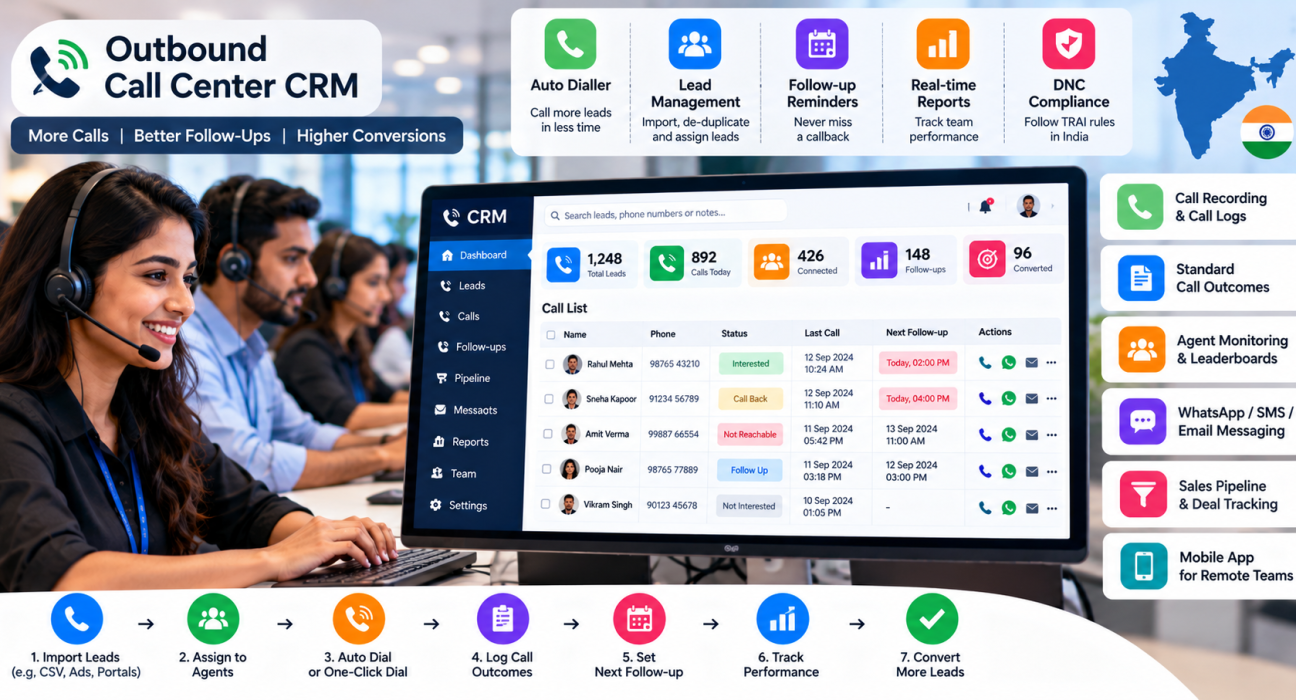
Best CRM for Outbound Call Centers in India
Outbound teams make hundreds of calls a day, and every call creates data: who was reached, what was said, what happens next. If this data sits in spreadsheets and personal phones, managers cannot see what is working, and agents waste time dialling numbers manually. A good outbound call center CRM puts calling, lead records, follow-ups and reporting in one system, so the team spends more time talking to customers and less time managing lists.
This guide explains what an outbound call center CRM is, which features matter most in India, and how to choose the right one for your team.
What Is an Outbound Call Center CRM?
An outbound call center CRM is software that helps agents make calls to leads and customers, and records every call outcome. It combines lead management, dialling, call logs, follow-up scheduling and team reporting, so managers can track productivity and agents know whom to call next.
It differs from a general CRM in one key way. A general CRM focuses on customer records and relationships. An outbound call center CRM puts the calling workflow at the centre: the call list, the dialler, the outcome and the next callback.
Who Needs One?
An outbound CRM is useful for teams whose main work is calling, such as:
- Telesales and telecalling teams
- Loan, insurance and finance sales teams
- Education and admission counsellors
- Real estate sales teams
- Recruitment teams calling candidates
- Collections and reminder teams
- Appointment-setting and lead qualification teams
- B2B sales development teams
A very small team with a few leads may manage with a spreadsheet. But once several agents share lead lists, coordination and visibility become difficult without a system.
Problems Outbound Teams Face Without a CRM
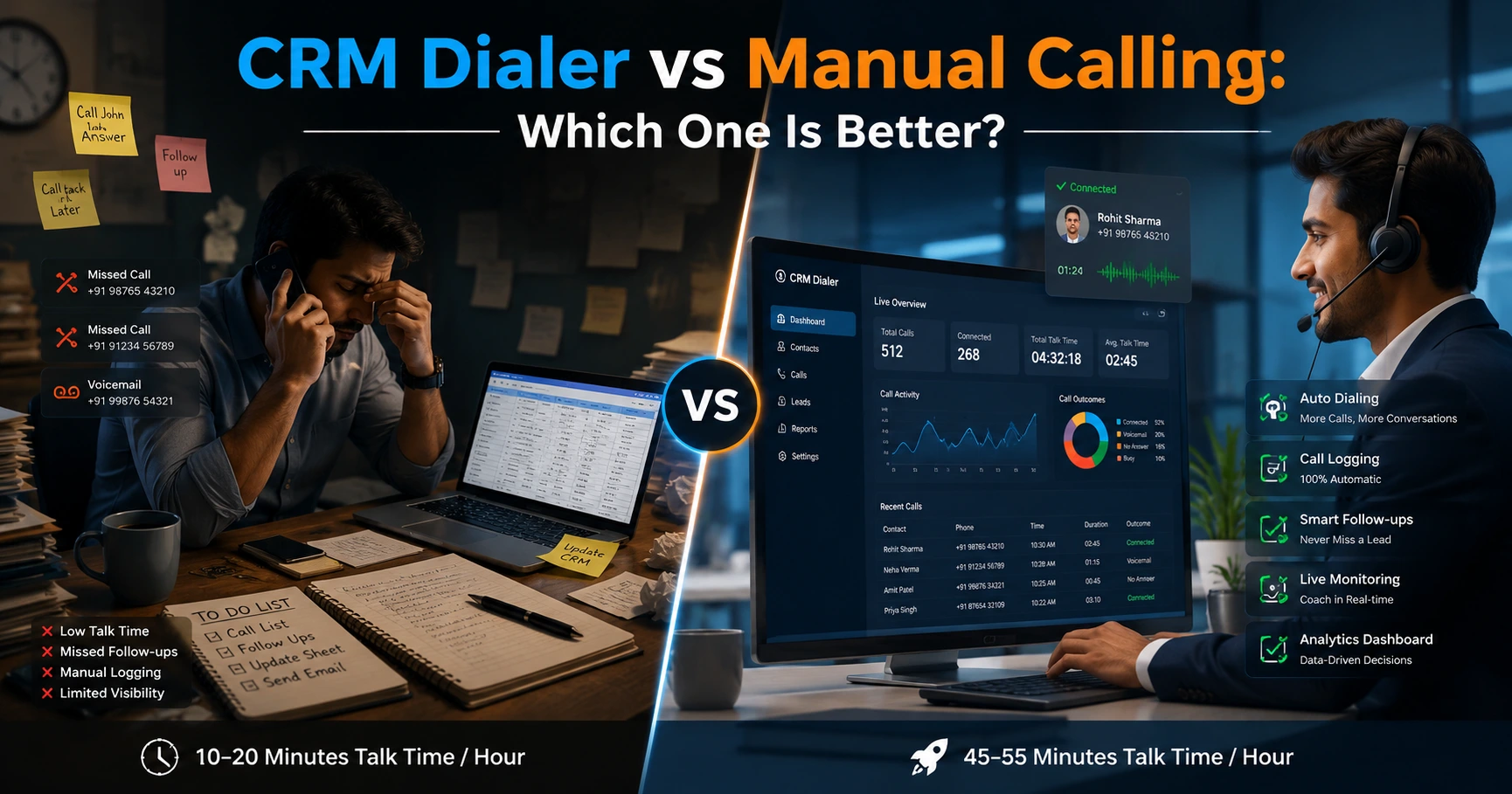
- Manual dialling. Agents type or tap numbers one by one, which wastes talk time.
- Duplicate calls. Two agents call the same lead, or the same lead appears in multiple lists.
- Lost callbacks. Promised calls are forgotten.
- No call history. The next agent does not know what was discussed.
- Poor visibility. Managers cannot see talk time, idle time or outcomes until the end of the day.
- Compliance risk. Numbers on the Do Not Call list may be dialled by mistake.
- Agent turnover. When an agent leaves, their lead data and notes may leave too.
Key Features to Look For
1. Dialler support
Look for a dialler that reduces manual dialling. Options usually include:
| Dialler type | How it works | Best for |
|---|---|---|
| Manual dialling | Agent dials each number | Very low call volumes |
| One-click or auto dialler | System moves through the list and dials the next lead after each call | Most small and mid-sized calling teams |
| Predictive or power dialler (cloud telephony) | Dials multiple numbers at once through a telephony system | Large call centres with dedicated telephony setups |
Ask the vendor exactly how the dialler works and what telephony it needs, such as agents’ own SIM cards or a separate calling service. This affects cost, setup and call quality.
2. Lead import, de-duplication and assignment
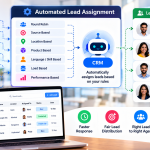
You should be able to import lists from CSV, remove duplicates and assign leads to agents by rules. Lead sources such as ad platforms and property portals should connect directly if possible.
3. Call logging and outcomes
Each call should record duration, outcome, notes and, ideally, a recording. Standard outcomes such as “interested”, “not reachable” and “call back later” keep reporting clean.
4. Follow-up scheduling
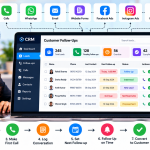
Callbacks, reminders and overdue alerts are essential. This is the feature that prevents lost leads.
5. Do Not Call (DNC) management
In India, outbound calling is subject to TRAI rules on unsolicited commercial communication. Look for DNC checks and tools that help your team respect consent. Always confirm the current legal requirements for your business with an expert, as rules change.
6. Real-time monitoring and reports
Managers need to see talk time, idle time, connection rate, calls per agent and outcomes. Hourly views and leaderboards can help spot issues early.
7. Sales pipeline
For sales teams, stage tracking and deal values show what is moving toward a sale.
8. Messaging
WhatsApp, SMS and email support helps agents send details after a call. Check whether messaging needs a separate tool.
9. Mobile app
Useful for field teams, remote agents and small businesses where agents work from their own phones.
10. Roles and permissions
Agents should see their own leads, team leaders their teams, and admins everything.
11. Call quality and coaching tools
Recordings, transcripts and summaries make coaching easier than listening to calls manually.
Cost Factors in India
Pricing models differ widely, so compare carefully:
- Per-user pricing grows with team size.
- Flat plans are fixed for a set number of users.
- Add-ons such as AI features, dialler minutes or integrations may cost extra.
- Telephony costs may be separate from software fees.
- Setup and support may or may not be included.
Ask for the full cost for your team size, including calling charges, before comparing tools.
How to Set Up an Outbound Calling Workflow
- Clean your data. Remove duplicates, wrong numbers and DNC numbers.
- Define lead stages. For example: new, contacted, interested, follow-up, converted, closed.
- Define call outcomes. Keep the list short so agents choose quickly.
- Create lead lists by purpose. For example: fresh leads, old leads, renewals.
- Assign leads by rules. Use source, location or product to route leads.
- Set calling and follow-up rules. For example: maximum attempts per lead and required next date after every call.
- Write a basic call script. Give agents an outline, not a rigid speech.
- Monitor daily. Track calls made, connection rate, talk time and follow-ups due.
- Review weekly. Look at outcomes by list, agent and source, and adjust.
Examples by Industry (Hypothetical)
These examples are for illustration only.
- Loan and finance teams: Leads from online forms are assigned to agents, called quickly and tagged by product. Callbacks are scheduled around document collection. See the Loan DSA CRM page for this use case.
- Education: Counsellors call enquiries after an ad campaign and schedule campus visits. Follow-ups are set before admission deadlines.
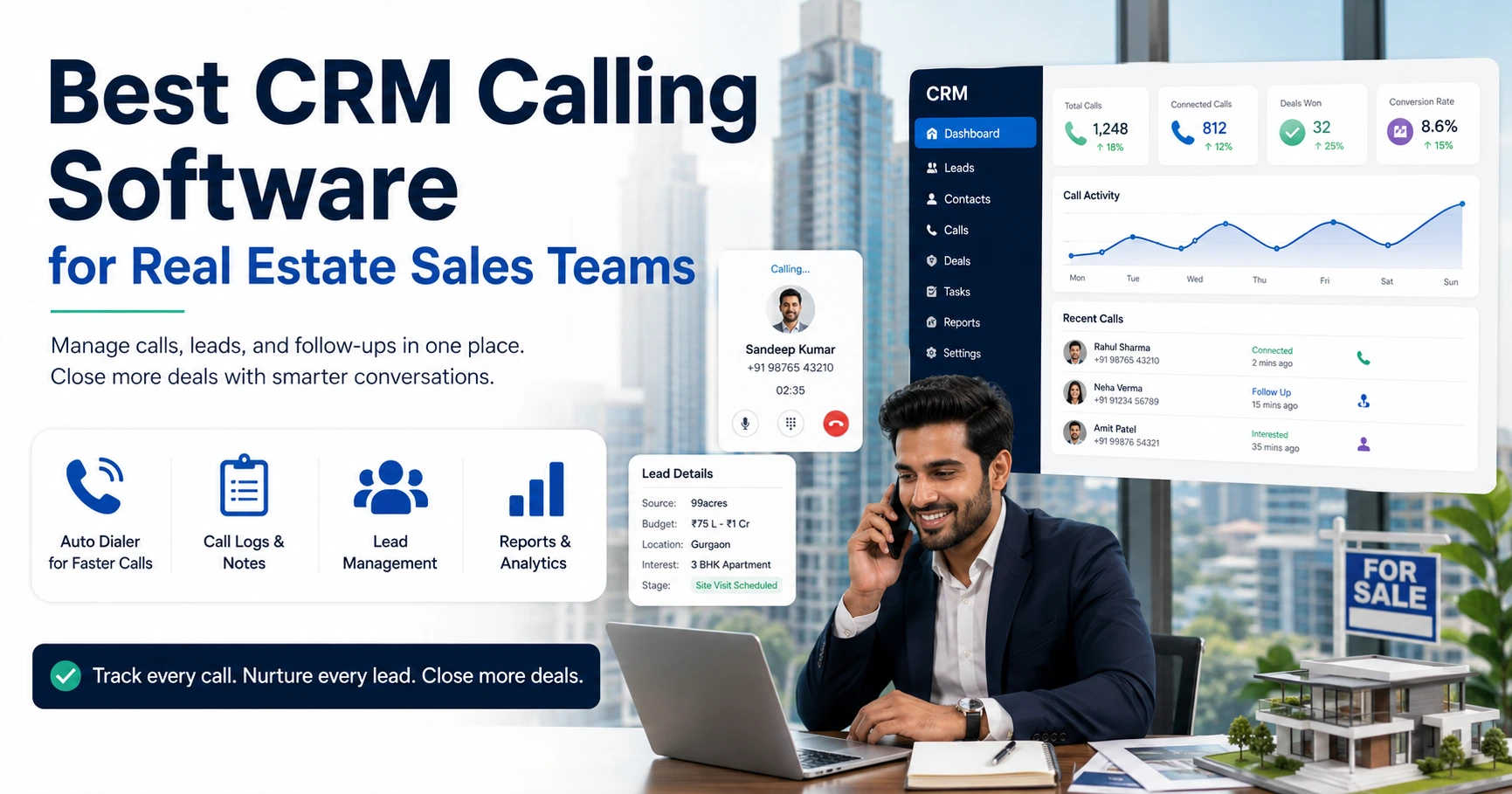
- Real estate: Portal leads are called within minutes, and site visits are recorded as the next stage.
- Recruitment: Recruiters call candidates, log interest and schedule interviews, with reminders for pending documents.
- Debt and payment reminders: Teams call customers about due payments and log promises to pay, with follow-up dates. Note that collection calls need extra care on legal and ethical conduct.
Common Mistakes When Choosing a CRM
- Choosing only on price. A cheap tool that lacks reminders or reporting can cost more in lost leads.
- Ignoring how the dialler works. Confirm the calling method and its requirements.
- Skipping a trial. Test with real agents and real lead data.
- Not involving agents. If the interface is slow or confusing, they will avoid it.
- Overlooking compliance. Check DNC handling and consent practices.
- Too many call outcomes and fields. Complex forms slow down calling.
- Not training the team. Agents must log outcomes and set follow-ups consistently.
- Measuring only call count. Also track connection rate, follow-up completion and conversions.
How TeleCallingCRM Can Help
TeleCallingCRM is a CRM built for telecalling and outbound sales teams in India. Based on the information on its website, relevant capabilities include:
- Auto dialler: A SIM-based, one-click dialler that moves through lead lists, with status-wise calling and call prioritisation.
- Lead management: CSV import, de-duplication, DNC checks, assignment rules and lead scoring.
- Lead integrations: Facebook and Instagram Lead Ads, Google Ads, portals such as 99acres, Housing.com, MagicBricks and JustDial, plus WordPress, Wix, Google Sheets and Zapier.
- Call tracking: Duration, outcome, recording and notes for every call.
- Follow-ups: Scheduling, reminders, overdue alerts and recurring follow-ups.
- Pipeline and automations: Custom stages, deal values and rules for assignment, follow-ups, WhatsApp nudges and manager alerts.
- Live monitoring and reports: A real-time view of agent activity, talk and idle time, leaderboards, heatmaps and exports.
- Messaging: WhatsApp templates, SMS and email.
- AI call analysis: Transcripts, summaries, sentiment, quality scores and coaching notes.
- Mobile app and roles: Agents can call and log from their phones, with role-based access.
Because the dialler is SIM-based, it may suit small and mid-sized calling teams better than large centres that need cloud telephony with predictive dialling. Check with the vendor whether the setup matches your call volume and telephony needs. Features and plans can change, so verify current details and try the product with your own team.
Checklist: Choosing an Outbound Call Center CRM
- How does the dialler work, and what telephony does it need?
- Can we import, de-duplicate and assign leads easily?
- Does it log outcomes, notes and recordings for every call?
- Can agents set follow-ups quickly and get reminders?
- Does it support DNC checks and consent practices?
- Can managers monitor agents in real time and see reports?
- Does it connect to our lead sources and messaging channels?
- Is the full cost clear for our team size, including calling charges?
- Is there a trial and reliable support?
Shortlist two or three tools, test them with one small team for a few weeks and compare results before rolling out.
Frequently Asked Questions
What is an outbound call center CRM?
An outbound call center CRM is software for teams that make calls to leads and customers. It manages call lists, dialling, call logs, follow-ups and reports. It differs from a general CRM by placing the calling workflow at the centre of daily work.
What features should an outbound call center CRM have?
Key features include lead import and assignment, a dialler, call logging with outcomes, follow-up reminders, DNC management, real-time monitoring, reports, messaging and a mobile app. Larger teams may also need call recordings, transcripts, coaching tools and integrations with lead sources.
What is the difference between a CRM and a dialler?
A CRM stores lead and customer data and tracks the sales process. A dialler automates the calling itself. Many outbound tools combine both, so the agent can call, log the outcome and schedule the next step without switching applications.
Do I need a predictive dialler?
Not always. Predictive dialling suits large centres with high call volumes and cloud telephony. Many small and mid-sized teams work well with a one-click or auto dialler that moves through the list one lead at a time. Choose based on your team size and calling pattern.
How do I stay compliant when calling leads in India?
Respect TRAI rules on unsolicited commercial communication, check numbers against the Do Not Call registry, keep records of consent where required, and call at reasonable hours. Use a CRM with DNC checks, but confirm current legal requirements with a qualified adviser.
How much does an outbound call center CRM cost in India?
Costs vary. Some tools charge per user per month, others offer flat plans for a set number of users. Telephony, add-ons and support may cost extra. Ask for the total cost for your team size and compare trials before deciding.
Can small businesses use an outbound call center CRM?
Yes. Small teams often benefit because a CRM stops lost callbacks and duplicate calls without needing a large IT setup. Look for simple tools with quick onboarding, a mobile app and clear pricing.
How do I measure outbound team performance?
Track calls made, connection rate, talk time, follow-ups completed on time and leads moved to the next stage. Call count alone can mislead, so combine activity metrics with outcomes such as appointments, visits or conversions.
Conclusion
The best outbound call center CRM is the one that matches your calling method, team size and compliance needs, and that your agents will use every day. Start by listing your main problems, such as manual dialling, missed callbacks or poor visibility, and shortlist tools that solve them.
If your team makes calls from phones and needs lead tracking, follow-ups and live reports in one place, you can look at a telecaller CRM alongside one or two alternatives. Test each with real leads and agents, then choose the one that fits.