How to Use Geofencing for Employee Attendance Management
If your team works across sites, customer locations, or territories, a punch-in only tells you that someone tapped a button. It does not tell you where they were. Geofencing for employee attendance fixes this by allowing attendance to be marked only when an employee is inside a defined location.
This guide explains what geofence attendance is and how it works. It covers a practical setup process, the mistakes that cause problems, and what to look for in software.
What Is Geofencing for Employee Attendance?
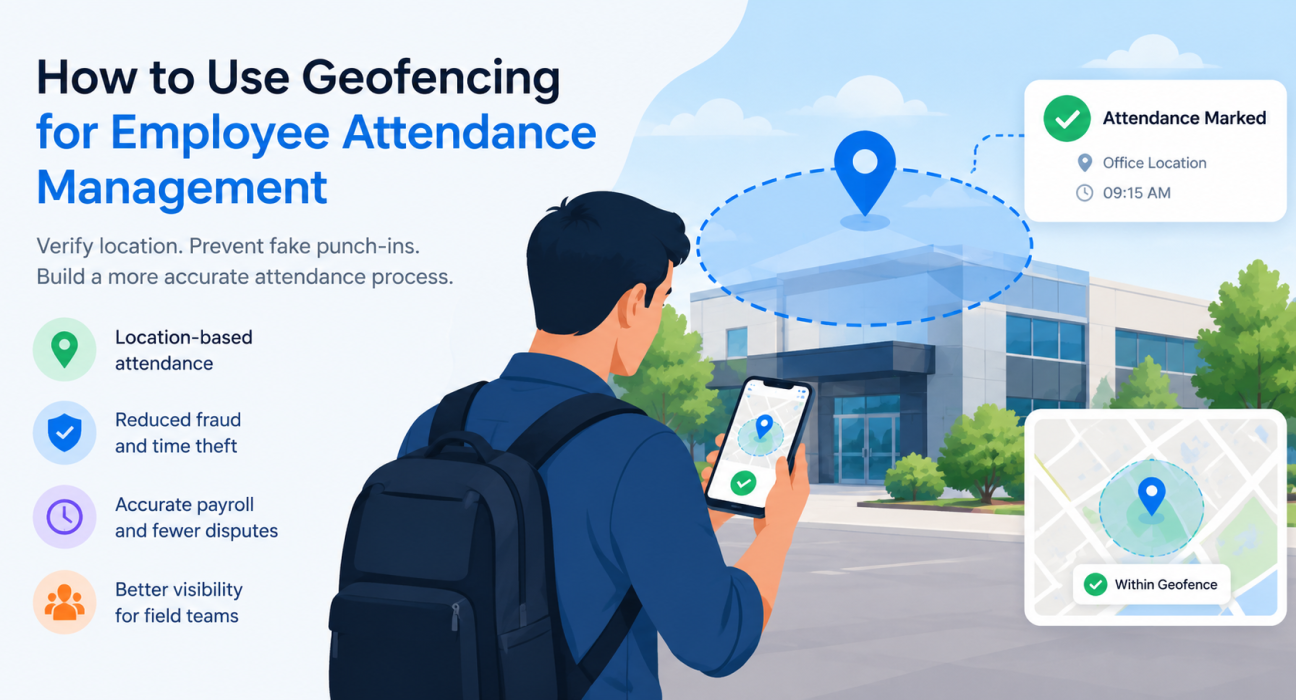
Geofencing for employee attendance is a location-based method that lets employees mark attendance only when their phone is inside a virtual boundary drawn around a work location, such as an office, store, warehouse, or client site.
The boundary is a set of GPS coordinates with a radius. If the employee is inside it, the punch-in is accepted. If they are outside, it is blocked or flagged for review.
For office teams, one geofence around the workplace is usually enough. For field teams, you may need many: customer sites, branches, dealer locations, depots, and project sites.
Why Traditional Attendance Fails Field Teams
Registers, spreadsheets, and WhatsApp check-ins were built for fixed workplaces. With field employees, they create a few predictable problems:
- No location proof. A message saying “reached the site” cannot be verified.
- Buddy punching. One person marks attendance for another.
- Fake or mock GPS. Some apps can be tricked with location-spoofing tools.
- Manual reconciliation. HR and operations spend hours matching attendance with visit records.
- Payroll disputes. Without evidence, disagreements over days worked are hard to settle.
Geofencing does not remove every one of these risks, but it makes location a required part of the attendance record rather than an afterthought.
How Does Geofence Attendance Work?
Geofence attendance works in five steps:
- Define the location. An admin marks a work location on a map and sets a radius around it.
- Assign it to employees. Each person or team is linked to the locations where they are allowed to mark attendance.
- Employee opens the app. When they punch in, the app reads their phone’s GPS position.
- The system compares the two. It checks whether the position falls inside the assigned boundary.
- The record is accepted, blocked, or flagged. A valid punch-in is logged with time and location. An invalid one is rejected or sent for review.
The strength of the system depends on what happens around these steps. Better systems also record time on the server instead of trusting the phone’s clock, and they screen for mock-location tools.
Benefits of Using Geofencing for Attendance
Verified presence
Each attendance record is tied to a place, so managers can see where a punch-in happened instead of assuming it.
Fewer fake punch-ins
A geofence stops employees from marking attendance from home or another site. Combined with server-side timestamps and spoof detection, it also reduces time fraud.
Cleaner payroll inputs
When attendance data is location-verified, there are fewer corrections and fewer disputes at month-end.
Less admin work
Managers no longer need to call employees to confirm where they are, and HR spends less time cleaning up records.
Better field visibility
For sales and service teams, attendance can connect with visits, tasks, and routes. That gives you a fuller picture of the working day, not just a start time.
Fixed Geofences vs. Dynamic Geofences
Not every team works from one place. This comparison helps you choose the right approach.
| Factor | Fixed-location geofence | Multi-location or dynamic geofence |
|---|---|---|
| Best for | Offices, factories, warehouses, retail stores | Field sales, service engineers, delivery, collections |
| Setup | One or a few boundaries | Many boundaries, often assigned per employee, route, or visit |
| Maintenance | Low | Higher, as customer sites and territories change |
| Attendance logic | Punch in at the workplace | Punch in at assigned sites or start points |
| Challenge | Large campuses need careful radius planning | Keeping location lists current |
Field teams generally need the second model. Teams with both office staff and field staff often use a mix of the two.
How to Set Up Geofencing for Employee Attendance: Step by Step
Follow these steps to roll out geofence attendance without disrupting your team:
- Decide what you want to verify. Is it presence at a branch, arrival at a customer site, or the start of a field day? The answer shapes your boundaries.
- List your locations. Include offices, depots, stores, and any customer or project sites that matter for attendance.
- Set a realistic radius. GPS accuracy varies with device, signal, and surroundings. A boundary that is too tight causes false rejections, especially indoors or in dense areas. A boundary that is too wide weakens verification. Test on site, then adjust. A radius of roughly 100 to 200 metres is a common starting point to test, but treat this as guidance rather than a rule.
- Assign locations to the right people. Link employees to the sites they are permitted to use.
- Define exception handling. Decide what happens when a punch-in fails. Options include manager approval, a reason note, or a photo.
- Communicate the policy. Tell employees what is collected, when, and why. Put it in writing.
- Run a pilot. Start with one team for one or two weeks, review failed punch-ins, and fix the boundaries.
- Roll out and review regularly. Check failed and flagged punch-ins, and update locations as customers and territories change.
Common Mistakes to Avoid
- Setting the radius too small. This leads to genuine employees being rejected and a wave of manual overrides.
- Ignoring poor-signal areas. Basements, elevators, and remote areas need a fallback process.
- Relying on GPS alone. Without spoof detection and server-side time, location checks can be gamed.
- Skipping the policy. Employees who don’t understand how location data is used will resist the system.
- Never reviewing exceptions. Frequent overrides usually signal a boundary or process problem.
Privacy and Compliance Considerations
Location data is personal data, so handle it carefully. Good practice includes:
- Collect location only when needed, such as during working hours or at punch-in, instead of tracking employees continuously.
- Get clear consent and explain the purpose in your attendance or IT policy.
- Limit access so that only authorised managers and HR can view location records.
- Follow applicable law. In India, the Digital Personal Data Protection Act, 2023 governs how personal data is processed. Confirm your obligations with a legal advisor.
Employees are more likely to accept geofencing when it is presented as a fair way to verify attendance, not a way to watch them.
What to Look for in Geofence Attendance Software
When evaluating tools, check for:
- Geofence enforcement at punch-in, with configurable rules
- Server-side timestamps, so changing the phone’s clock has no effect
- Mock-location and spoof detection
- Offline capability, since field teams often work with poor connectivity
- Support for multiple locations, not just a single office
- Live visibility for managers, with attendance status and location
- Approvals and exception workflows
- Reports that can feed payroll and performance reviews
- Integration with visits, tasks, and expenses, so attendance is not an isolated record
Attendance software that lives apart from the rest of field operations forces managers to compare data across tools. A platform that connects them saves time.
How FieldExecutives Supports Geofenced Attendance
Businesses looking to simplify these processes can use field force management software such as FieldExecutives, built for teams that work outside a fixed office.
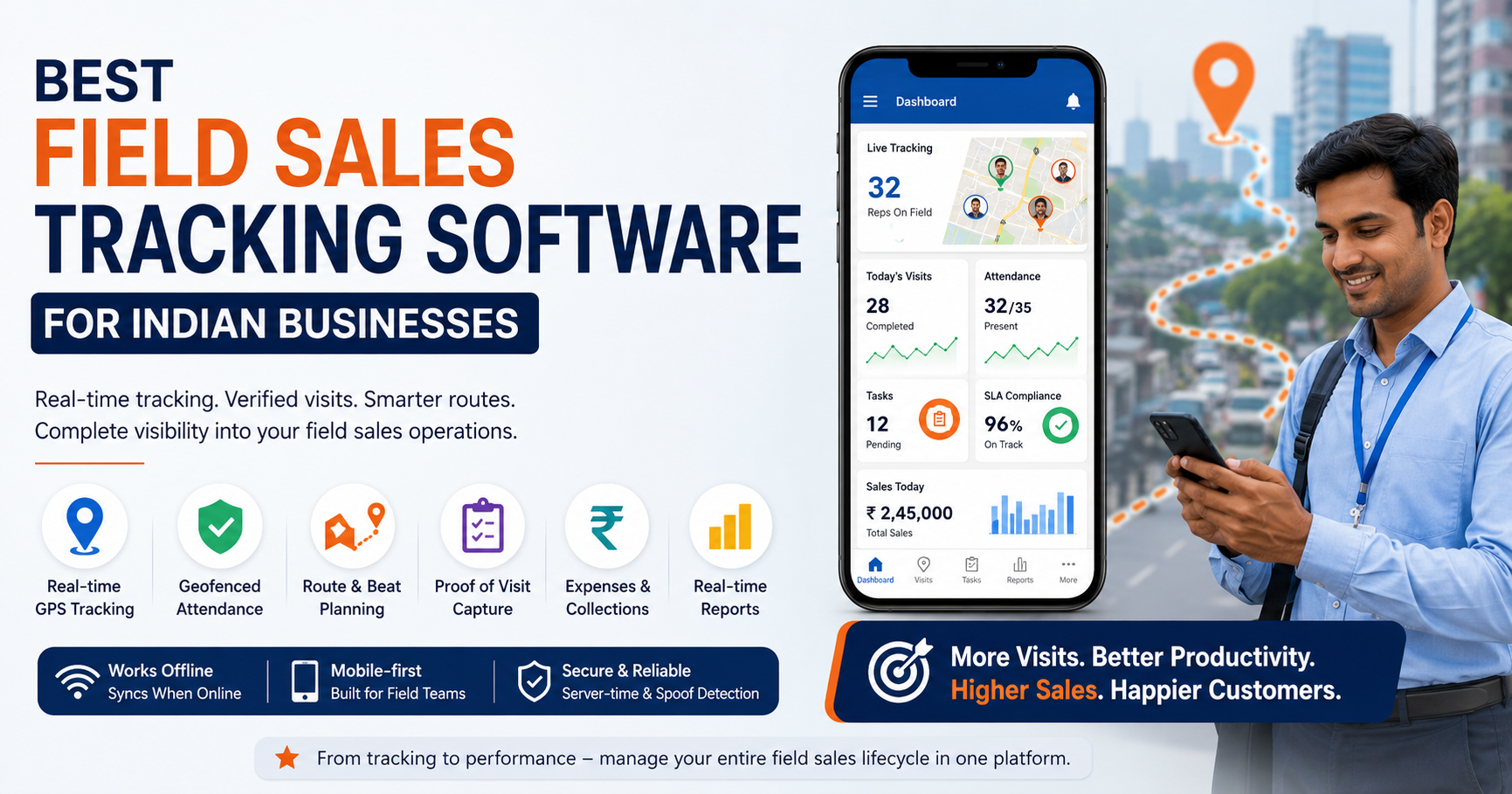
FieldExecutives supports geofenced attendance as part of a wider field workflow. Based on the platform’s current features:
- Geofence enforcement and spoof detection at punch-in, with attendance recorded on server time rather than the device clock
- Live GPS visibility, where managers can see punch-ins, status, and a GPS breadcrumb trail on one map
- Auto check-in by geofence for customer visits, along with proof capture such as photo, signature, and OTP
- Offline-first mobile app, so reps can punch in and complete visits without a network, with data syncing on reconnection
- Custom forms and workflows, so job types, checklists, and approvals match how your team works
- Location features for on-duty staff only, who have granted permission
For sales, service, logistics, and collections teams, this links attendance to actual field activity: where the rep was, what they did there, and whether the visit was completed.
To see how this fits your operations, [Internal Link Opportunity: FieldExecutives features page] gives an overview of the platform.
Best Practices for Long-Term Success
- Review flagged punch-ins weekly to identify patterns, not just individuals.
- Keep location data current. Add new customer sites and retire old ones.
- Pair attendance with outcomes. Attendance shows presence, while visits and task completion show work done.
- Train managers on exceptions. Consistent handling avoids perceived unfairness.
- Revisit the policy when regulations, tools, or team structures change.
Conclusion
Geofencing for employee attendance replaces trust-based punch-ins with location-verified records. For field teams, it works best when combined with server-side timestamps, spoof detection, exception workflows, and a clear privacy policy.