Field Force Management Software: Complete Guide for Indian Businesses
Once your field team leaves the office, how much do you actually know about their day? Most managers rely on phone calls, WhatsApp updates and end-of-day reports. None of these tells you whether a visit really happened.
Field force management software closes that gap. It gives you live visibility into where your team is, what they are doing and what they have completed. This guide explains what the software is, which features matter and how to choose and roll out the right tool for an Indian business.
What Is Field Force Management Software?
Field force management software is a digital platform that helps businesses manage, track and support employees who work outside the office. These include sales reps, service technicians, delivery staff, collection agents and merchandisers.
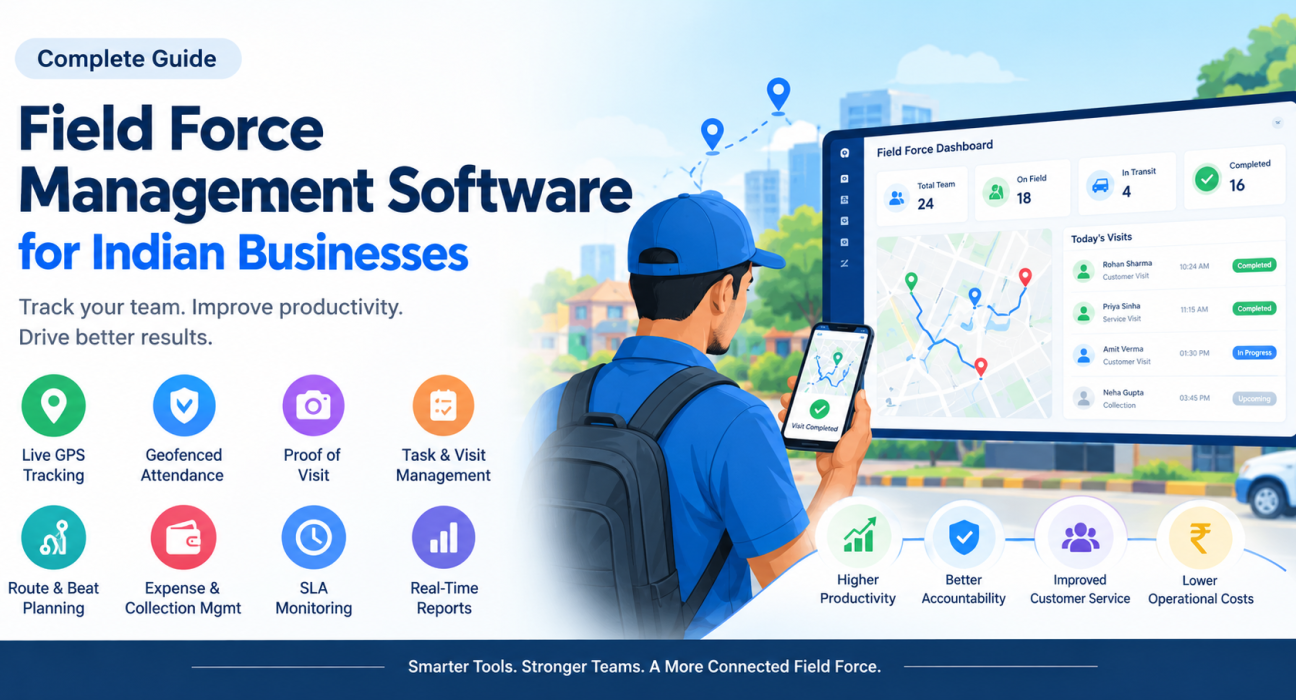
It usually combines a mobile app for field employees with a web dashboard for managers. Together they handle attendance, task assignment, visit verification, route planning, expenses and reporting in one place.
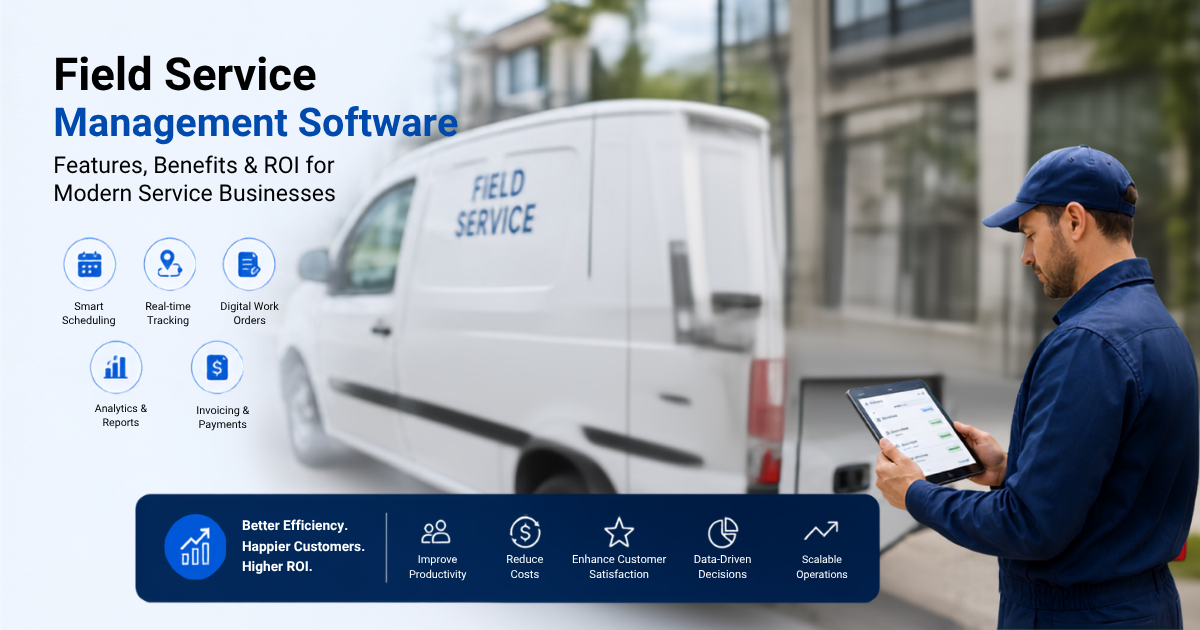
It is closely related to field service management and field workforce management. The terms overlap, but the focus differs slightly:
- Field force management focuses on people: attendance, movement, productivity and accountability.
- Field service management focuses on jobs: scheduling, dispatch, service completion and SLAs.
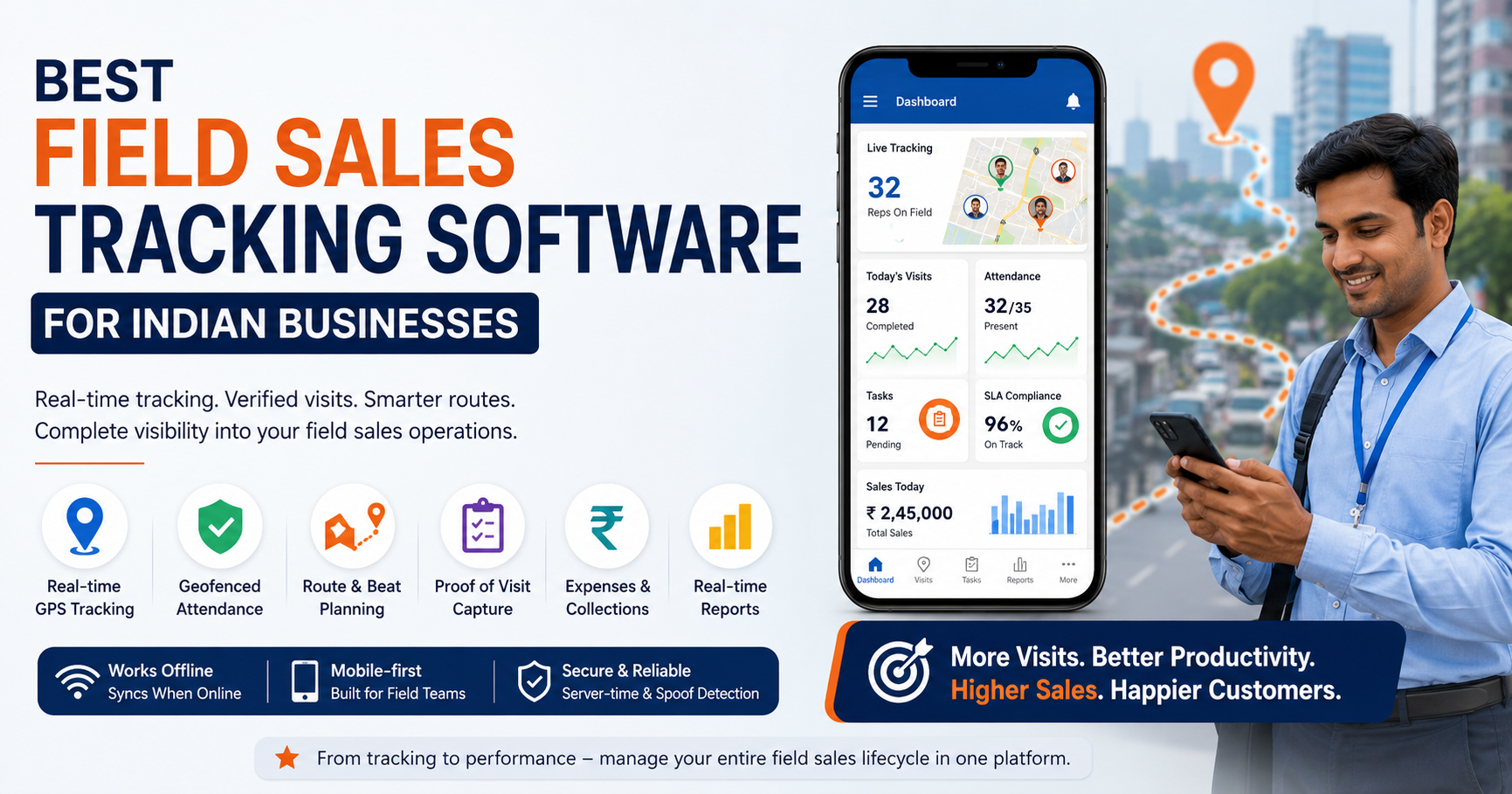
- Field sales management focuses on revenue activity: customer visits, orders, beats and collections.
Most modern platforms cover all three areas.
Why Indian Businesses Need It
Managing field teams in India has its own challenges. Teams cover large territories, work across cities and small towns, and often deal with patchy network coverage. Many businesses still run on paper registers, spreadsheets and messaging groups.
Common problems include:
- No live visibility. You cannot see who is where, or whether a customer was actually visited.
- Unreliable attendance. Manual or app-based punch-ins can be faked without location and time checks.
- Wasted travel. Poorly ordered routes cost fuel, time and visits.
- Slow admin. Expense claims, leave requests and reports pile up in spreadsheets.
- Weak data. Without clean visit and task data, managers cannot coach reps or measure what works.
Field force management software addresses each of these with a single system of record.
Key Features of Field Force Management Software
Not every tool covers the same ground. Here are the capabilities worth looking for.
Live GPS Tracking and Field Employee Tracking
Live tracking shows your team on a map in real time. Look for status indicators (on field, in transit, idle) and a location trail showing where each employee actually went. Good tools also respect privacy by tracking only on-duty staff who have granted permission.
Geofenced Attendance
Geofencing ties a punch-in to a defined location. The strongest systems also use server-side time instead of the phone’s clock and detect mock-location apps. This is what makes attendance hard to fake.
Proof of Visit
Proof of visit means a job or visit cannot be closed without evidence, such as a photo, customer signature or OTP. This gives managers proof of presence (the rep was there) and proof of work (the task was done).
Task and Visit Management
Managers should be able to create tasks with checklists, priorities and deadlines, and assign them to the right person. Reps should see their day’s plan clearly on their phones.
Route and Beat Planning
Route optimization orders stops so reps spend less time driving. For FMCG, pharma and distribution teams, beat planning ensures every outlet or doctor is covered on a fixed cycle.
Expense and Collection Management
Look for photo-backed expense claims with an approval workflow, plus tracking of payments collected in the field through to settlement. This reduces leakage and speeds up reimbursements.
SLA Monitoring
For service teams, SLA timers and escalations show which jobs are at risk of breaching a commitment before the customer complains.
Custom Forms and Workflows
Every business captures different data. A no-code form builder lets you collect exactly what your work needs, from audit checklists to survey questions.
Offline Capability
Network gaps are common outside metro areas. An offline-first app lets reps punch in, complete visits and capture proof without a signal, then syncs when they reconnect.
Real-Time Reporting and KPIs
Dashboards should show attendance, visits completed, task status and team performance without manual compiling.
Manual Tracking vs Field Force Management Software
| Area | Manual / Spreadsheet Method | Field Force Management Software |
|---|---|---|
| Attendance | Registers, calls, screenshots | Geofenced, time-stamped punch-in |
| Visibility | Phone calls and updates | Live map and location trail |
| Visit verification | Trust-based reports | Photo, signature or OTP proof |
| Route planning | Individual decisions | Optimized routes and beat plans |
| Expenses | Paper bills, spreadsheets | Digital claims with approvals |
| Reporting | Compiled by hand, often delayed | Real-time dashboards |
Benefits of Field Force Management Software
The main benefits are better visibility, stronger accountability, less travel time and faster admin. In practice, that means:
- Fewer blind spots. Managers know what is happening while it happens.
- Cleaner attendance data. Location and server-time checks reduce disputes.
- More productive days. Better route ordering leaves more time for customer visits.
- Less paperwork. Attendance, leave, expenses and reports move into one system.
- Better coaching. Visit and task data shows which reps and routes need support.
- Stronger customer service. SLA tracking and proof capture help you keep promises.
Any savings depend on your team size, territory and current process. Treat vendor figures as illustrative and validate them in a trial.
Who Uses It? Industries and Use Cases
Field force management software fits any business with people working outside the office. Common examples in India include:
- FMCG and distribution: beat plans, outlet coverage and order capture
- Pharma and medical representatives: doctor and chemist visit tracking
- Field service and repair: AMC visits, installations and SLA-based jobs
- Banking, NBFC and microfinance: field verification and recovery routes
- Logistics and last-mile delivery: live delivery tracking and proof of delivery
- Retail and merchandising: shelf audits and store visit checks
- Facility management and security: rounds, checkpoints and guard tours
How to Choose the Right Field Force Management Software
- Define your problem first. Is it attendance fraud, poor visit coverage, slow service or expense leakage? Rank your top three.
- List your workflows. Note how your team works today: visits, jobs, collections, approvals.
- Check field-app usability. If reps find the app hard to use, adoption will fail. Test it on the phones your team already has.
- Test offline behavior. Try it in a low-network area.
- Look at configurability. You should be able to change forms, job types and approvals without developers.
- Ask about integrations. Confirm how it connects with your CRM, ERP, accounting or HR tools.
- Review language support. Field teams often prefer Hindi or a regional language.
- Understand pricing. Check how costs scale with users and what a trial includes.
- Run a pilot. Start with one team and measure before rolling out.
How to Implement It Without Disrupting Your Team
A rollout works best when it is treated as a process change, not just a software install.
- Start with a pilot team. Choose one region or team with a supportive manager.
- Configure before launch. Set up users, roles, job types, forms and approval flows.
- Explain the “why” to your team. Be clear that tracking applies to working hours, and explain what data is collected and why. Under India’s data protection rules, get advice on consent and privacy notices for employee location data.
- Train in short sessions. Focus on the three daily actions: punch in, complete visits, punch out.
- Review data weekly. Use early reports to fix workflow gaps.
- Expand gradually. Roll out to other teams once the pilot stabilizes.
How FieldExecutives Can Help
Businesses looking to simplify these processes can use field force management software such as FieldExecutives, a platform built for field operations in India.
Based on the information on its website, FieldExecutives offers:
- Live GPS tracking on a single team map
- Geofenced attendance using server-time punch-ins and mock-location detection
- Proof of visit through photos, signatures and OTP
- AI-based route and beat-plan optimization
- SLA monitoring for service jobs
- Expense claims and collection tracking with approval workflows
- Custom forms and workflows configurable without code
- Offline-first mobile app that syncs when connectivity returns
- Real-time KPIs and reports, plus leave management
It runs as a mobile app for field staff, a web console for managers and an admin portal for business owners, all on the same live data. Teams can start with a free plan and book a demo to see how it fits their workflow.
Conclusion
Field teams are often the most important and least visible part of a business. Field force management software turns scattered calls, registers and spreadsheets into a single, verifiable record of what your team does every day.
The best approach is to define your biggest field problems first, shortlist tools that fit your workflows, pilot with one team and expand once results are clear. If you want a platform designed around Indian field operations, FieldExecutives is worth evaluating.