

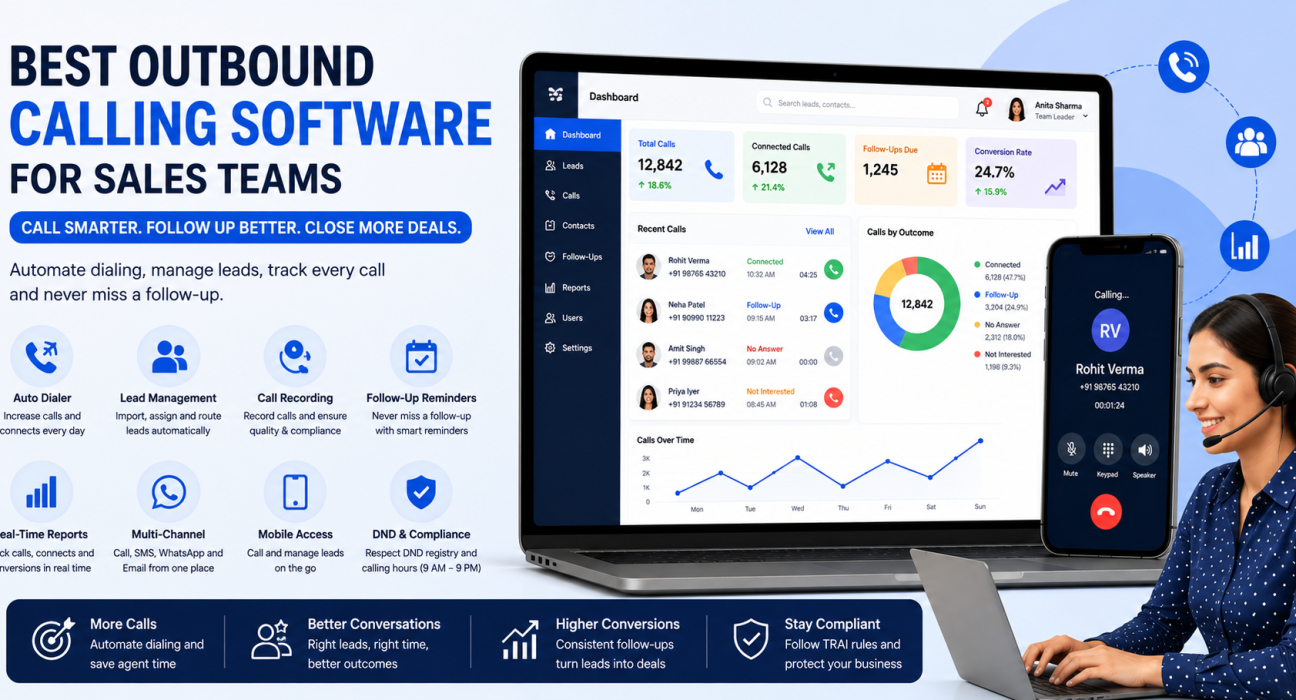
Best Outbound Calling Software for Sales Teams
If your sales reps are still dialing numbers by hand, switching between a spreadsheet and a phone, and losing track of who to call back — you already know why outbound calling software exists. The right tool doesn’t just make calls faster. It decides who gets called, when, and what happens after the call ends.
This guide breaks down what outbound calling software actually is, the different types available, the features that matter most for sales teams, and how to pick one without getting distracted by flashy add-ons. Teams evaluating options can also look at a dedicated outbound calling software built around dialing, lead routing, and follow-ups in one place, to see how these pieces typically fit together.
What Is Outbound Calling Software?
Outbound calling software is a system that helps sales teams place, manage, and track calls to leads or customers — usually with automatic dialing, call logging, and follow-up reminders built in. Instead of manually dialing each number and noting the outcome on paper or in a spreadsheet, agents work through a queue of leads, and the software handles the repetitive parts.
Most outbound calling tools sit somewhere between two extremes: simple calling apps that just help you dial faster, and full sales platforms that combine calling with lead management, pipelines, and reporting.
Who Actually Needs This Kind of Software?
Not every business that makes phone calls needs dedicated outbound calling software. It becomes useful once a team crosses a certain size or call volume. Common users include:
- Real estate teams calling leads from property portals every day
- Education and admissions teams following up with enquiries across multiple courses
- Insurance and finance teams managing renewals, follow-ups, and compliance requirements
- Recruitment agencies calling candidates and clients in parallel
- B2B sales teams running structured outbound campaigns
- Call centres and BPOs handling high call volumes across multiple agents
If a team is making more than a handful of outbound calls a day, or has more than two or three people calling leads, manual dialing and spreadsheet tracking usually starts breaking down.
Types of Outbound Calling Software
Outbound calling tools aren’t all built the same way. Broadly, they fall into a few categories:
| Type | What It Does | Where It Falls Short |
|---|---|---|
| Basic click-to-call / VoIP phone apps | Lets agents dial from a browser or app | No lead management, no follow-up tracking |
| Power or predictive dialers | Automatically dials through a list, skips busy/unanswered numbers | Often sold separately from CRM features, so data lives in two systems |
| Sales engagement platforms | Combines calling with email and multi-step outreach sequences | Built mainly for B2B prospecting, less suited to high-volume telecalling teams |
| Telecalling CRM | Combines the dialer, lead management, pipeline, and reporting in one system | Choosing the wrong one can mean paying for features a team never uses |
For most sales teams — especially ones handling a steady flow of inbound leads that need to be called, followed up, and converted — a telecalling CRM approach tends to reduce the number of tools a team has to juggle, since the dialer, the lead record, and the follow-up reminder all live in the same place.
Must-Have Features to Look For
Before comparing specific products, it helps to know which features actually move the needle for an outbound calling team.
1. Auto Dialer
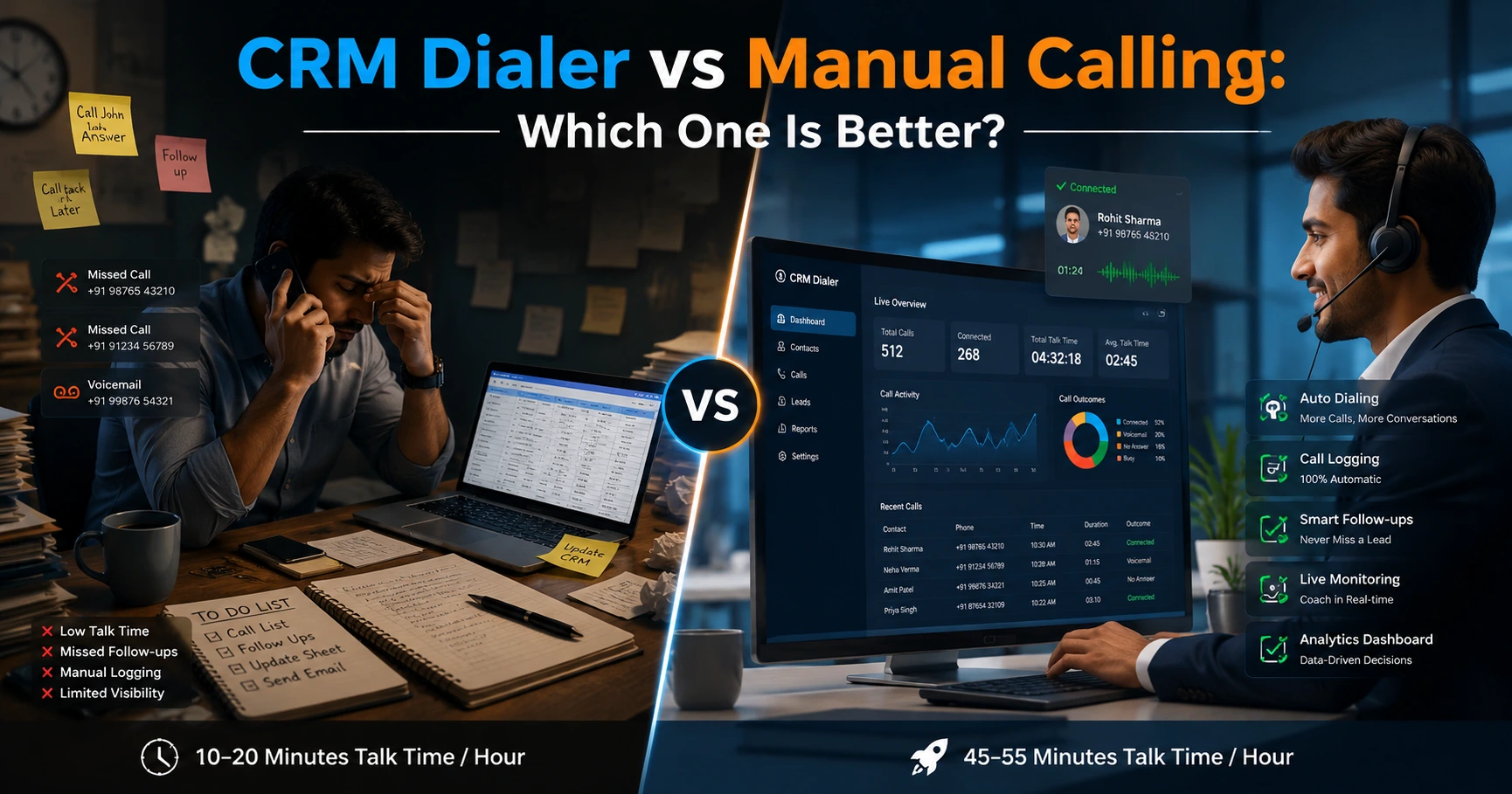
An auto dialer moves an agent from one lead to the next automatically, instead of the agent looking up a number and dialing it manually. This alone can meaningfully increase the number of calls an agent makes in a day, since idle time between calls drops.
2. Lead Management and Distribution
Leads need to land somewhere organised — not scattered across WhatsApp, Excel, and someone’s notebook. Look for bulk import, de-duplication, and rules that assign leads to agents automatically (by round-robin, language, or a fixed owner).
3. Call Recording and Compliance
In India, outbound calling is governed by TRAI’s regulations under the Telecom Commercial Communications Customer Preference framework. These rules restrict calling hours to between 9 AM and 9 PM, and require businesses to check numbers against the Do Not Disturb (DND) registry before dialing. Software that enforces calling-hour windows and DND checks automatically reduces the risk of compliance issues.
4. Follow-Up and Reminder Automation
Most lost sales aren’t lost on the first call — they’re lost because nobody called back. Reliable reminders and overdue alerts matter more than most other features combined.
5. Analytics and Reporting
A manager needs to know connect rates, talk time, and agent-wise performance without asking each agent individually. Real-time dashboards and exportable reports save hours every week.
6. Integrations with Lead Sources
If leads come from Facebook Ads, Google Ads, property portals, or a website form, the software should pull them in automatically instead of requiring manual copy-paste.
7. Mobile Access
Field sales agents, remote teams, and businesses with agents who aren’t desk-bound need a mobile app that supports calling, logging, and follow-ups — not just a read-only view.
How to Choose the Right Outbound Calling Software
A simple way to narrow down options is to work through these questions in order:
- How many agents will use it? Flat, team-based pricing works out cheaper for teams of five or more compared to per-user pricing.
- Where do your leads come from? Check that the software actually integrates with those specific sources, not just “CRM integrations” in general.
- Do you need compliance features? If you’re calling consumers in India, DND scrubbing and calling-hour enforcement aren’t optional extras — they protect the business.
- Is a dialer alone enough, or do you need lead management too? A standalone dialer without lead tracking usually leads to teams re-building a spreadsheet alongside it.
- Will agents work from the field? If yes, prioritise a genuinely functional mobile app over a desktop-only tool.
- How is pricing structured? Per-user pricing can get expensive quickly as a team grows; flat pricing plans are more predictable to budget for.
Real-World Example (Illustrative)
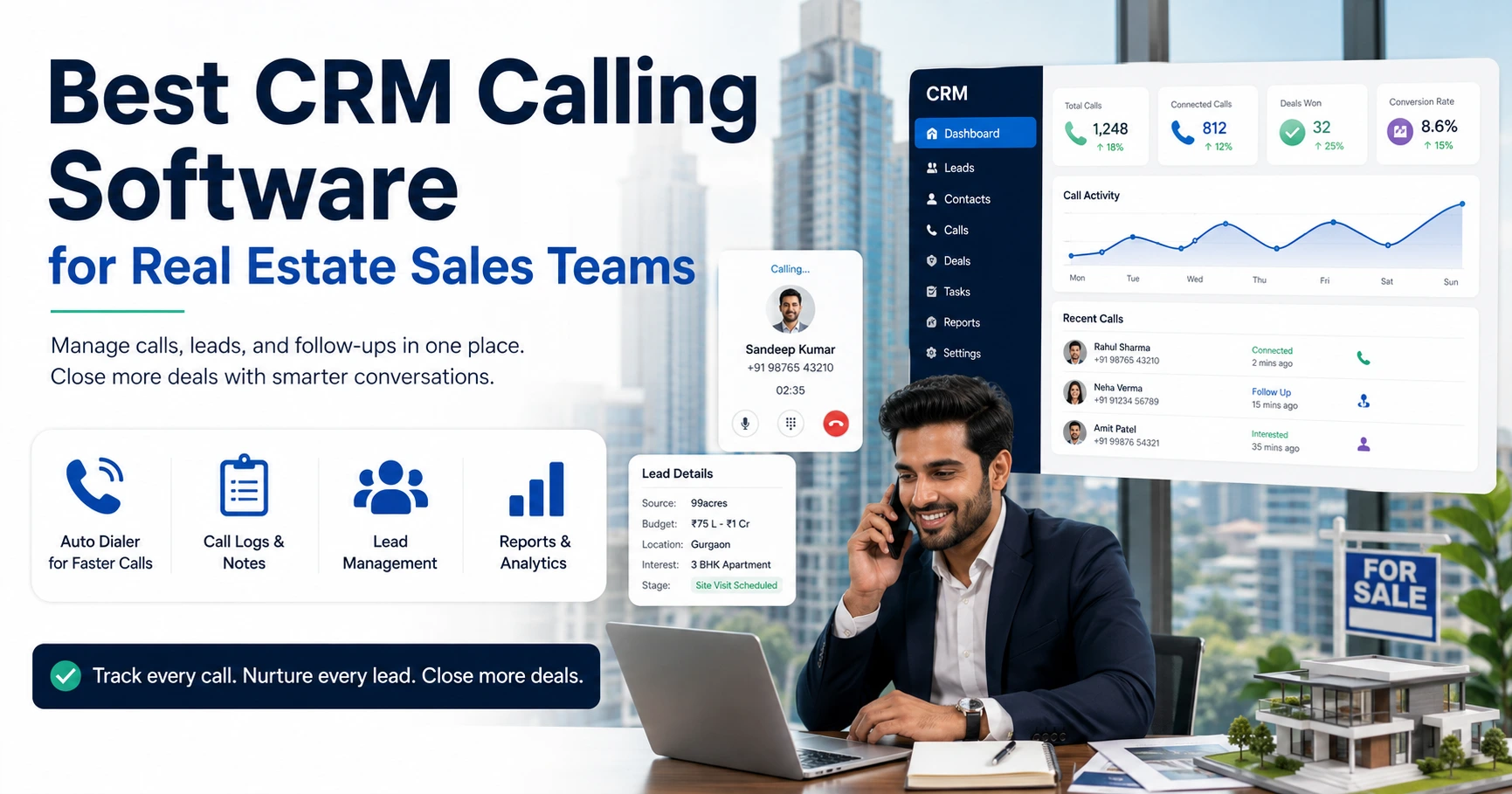
Consider a hypothetical real estate sales team receiving 150 enquiries a day from property portals and Facebook ads. Without outbound calling software, someone manually exports leads from each source, assigns them over WhatsApp, and follow-ups depend on individual agents remembering who to call back.
With outbound calling software that pulls leads in automatically, assigns them by rule, and reminds agents of pending callbacks, the same team can spend their time actually talking to prospects instead of managing spreadsheets. Industry-specific setups — like the ones outlined for different sales teams — typically differ mainly in lead sources and follow-up cadence, not in the core workflow.
Common Mistakes to Avoid
- Buying a dialer without lead management and ending up maintaining two disconnected systems
- Ignoring compliance features and risking DND violations or complaints
- Choosing per-user pricing without checking growth costs — a tool that’s cheap for 5 users can get expensive at 20
- Skipping the mobile app check for teams with field agents
- Not testing the actual dialing experience before committing — a free trial is the easiest way to catch friction early
How TeleCallingCRM Supports Outbound Calling for Sales Teams
TeleCallingCRM combines an auto dialer with lead management, a sales pipeline, and reporting in a single platform built for Indian sales teams. It includes DNC list handling and a calling-hours window to help teams stay within TRAI’s guidelines, along with lead assignment rules, follow-up reminders, and a live team dashboard.
It also includes AI-based call analysis that transcribes calls (including Hindi and Hinglish), summarises them, and flags sentiment and coaching notes automatically — without a separate QA add-on. Leads can flow in from sources like Facebook and Instagram Lead Ads, Google Ads, property portals such as 99acres, Housing, and MagicBricks, and platforms like JustDial and TradeIndia, and both Android and iOS mobile apps are included for agents working outside the office.
Plans are priced flat per team rather than per user, starting at ₹999/month for up to 5 users, with a 3-day free trial to test the dialer and lead workflow before committing. Full plan details are available on the pricing page.
This isn’t the only way to run outbound calling, and teams with very different needs — like large enterprise contact centres — may need different tooling. But for sales teams that want a dialer and CRM working together instead of two separate tools, it’s worth evaluating directly.
FAQs
What is outbound calling software?
Outbound calling software is a tool that helps sales teams place, log, and manage calls to leads or customers, usually with automatic dialing, call tracking, and follow-up reminders built in, replacing manual dialing and spreadsheet tracking.
What’s the difference between a dialer and a telecalling CRM?
A dialer only handles the act of calling — it doesn’t track leads, follow-ups, or pipeline. A telecalling CRM combines the dialer with lead management, follow-up scheduling, and reporting, so agents work from one system instead of switching between tools.
Is outbound calling legal in India?
Yes, but it’s regulated. TRAI requires businesses to check numbers against the Do Not Disturb (DND) registry and restricts commercial calls to between 9 AM and 9 PM. Software that automates these checks reduces compliance risk.
How much does outbound calling software cost?
Pricing varies by vendor and structure. Some charge per user per month, which scales up as a team grows; others charge a flat fee per team regardless of user count within a plan tier, which is usually more predictable for growing teams.
Do I need a separate CRM if I already have a dialer?
Not necessarily. Many modern outbound calling tools include lead management, pipeline tracking, and reporting built in, which removes the need to maintain a separate CRM alongside the dialer.
Can outbound calling software integrate with WhatsApp?
Some platforms do support WhatsApp alongside calling, SMS, and email, allowing agents to message leads from the same screen where they log calls. This isn’t universal, so it’s worth checking before choosing a tool.
How long does it typically take to set up outbound calling software?
Setup time varies by platform. Simpler tools can be ready within minutes after importing a lead list, while systems with more integrations or custom workflows may take longer to configure properly.
Is a mobile app necessary for outbound calling software?
It depends on the team. Field sales agents, remote teams, and businesses without fixed desk setups benefit significantly from a mobile app that supports full calling and lead-logging functionality, not just call viewing.
Conclusion
Choosing outbound calling software isn’t about picking the tool with the longest feature list — it’s about matching the software to how your team actually works: how many agents you have, where your leads come from, and whether compliance and follow-up tracking matter for your business. Start with the checklist above, test the dialing experience directly through a trial, and only then compare pricing. Teams that want the dialer, lead management, and reporting bundled into one system can review the full plan breakdown on the sales calling software pricing page before deciding.