

Best CRM for Small Business in India: A Practical Buying Guide
Most small businesses in India don’t lose customers because their product is bad. In fact, they usually lose customers because nobody called a lead back, a team member forgot a follow-up, or two people called the same person twice while a genuine buyer waited with no response at all.
So this isn’t really a sales problem. It’s a tracking problem. A spreadsheet or a WhatsApp chat can hold information, but it can’t remind anyone to act on it. That’s exactly the gap a CRM closes. So if you’re evaluating a CRM for small business teams that rely heavily on phone calls, this guide walks through what actually matters before you commit to one.
What Is a CRM for Small Business, in Plain Terms?
A CRM (Customer Relationship Management) system is software that stores every lead and customer in one place, tracks what happened during each interaction, and reminds your team when to follow up next.
For a small business, this usually means:
- One list of leads instead of five different Excel sheets
- A record of every call, message or visit tied to a customer
- Automatic reminders for follow-ups, so nothing gets forgotten
- Basic reporting on what’s working and what isn’t
In short, a CRM built for small businesses should do all this without needing an IT team to set it up.
Why Small Businesses in India Actually Need One
Many small businesses in India still run on a mix of Excel sheets, WhatsApp chats, phone contact lists and staff memory. For example, this works fine when there are only a handful of enquiries a week.
However, it stops working once leads start coming from multiple places at the same time — say, a Facebook ad, a walk-in enquiry, a reference from an existing customer, and a listing on a portal like JustDial or 99acres. Without a shared system, these leads end up scattered, nobody follows them up consistently, and some slip through completely.
Specifically, a CRM solves three problems that spreadsheets cannot:
- Ownership — every lead has one clear owner, so nobody assumes “someone else is handling this.”
- Follow-up discipline — reminders and alerts mean a lead doesn’t quietly go cold.
- Visibility — the owner or manager can see, at a glance, how many leads came in, how many the team called, and how many converted.
Direct Answer: What Should You Look For?
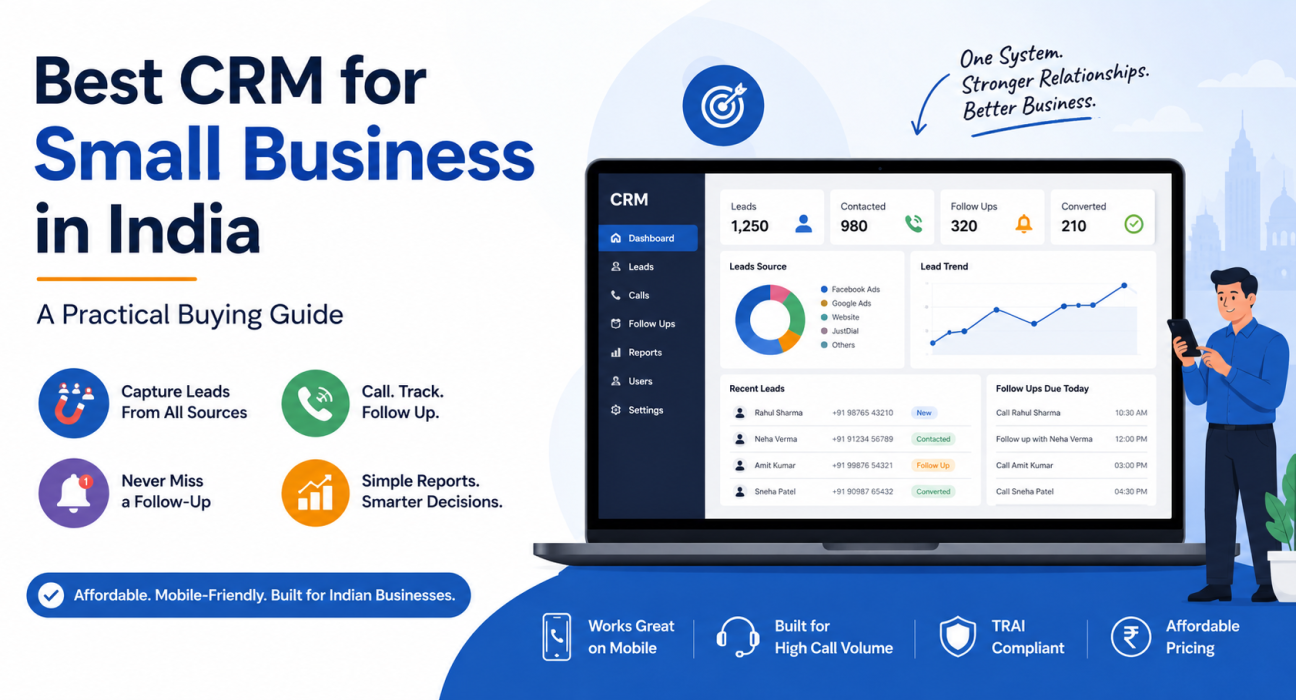
For a small business in India, the best CRM is affordable, works well on mobile, handles high call volumes without extra telephony setup, and doesn’t require weeks of configuration. Overall, look for lead capture from your actual lead sources, follow-up reminders, basic reporting, and pricing that doesn’t scale painfully with every new team member.
Key Features a Small Business CRM Should Have
Not every CRM feature matters equally to a small business. Here’s what actually tends to make a difference, day to day.
1. Lead capture from where your leads actually come from
If your enquiries come from Facebook and Instagram ads, Google Ads, property portals, JustDial, or a website form, the CRM should pull these in automatically instead of forcing someone to copy numbers manually from one place to another. After all, manual copying is exactly where you lose leads or end up with duplicates.
2. Call-first workflow, not just contact storage
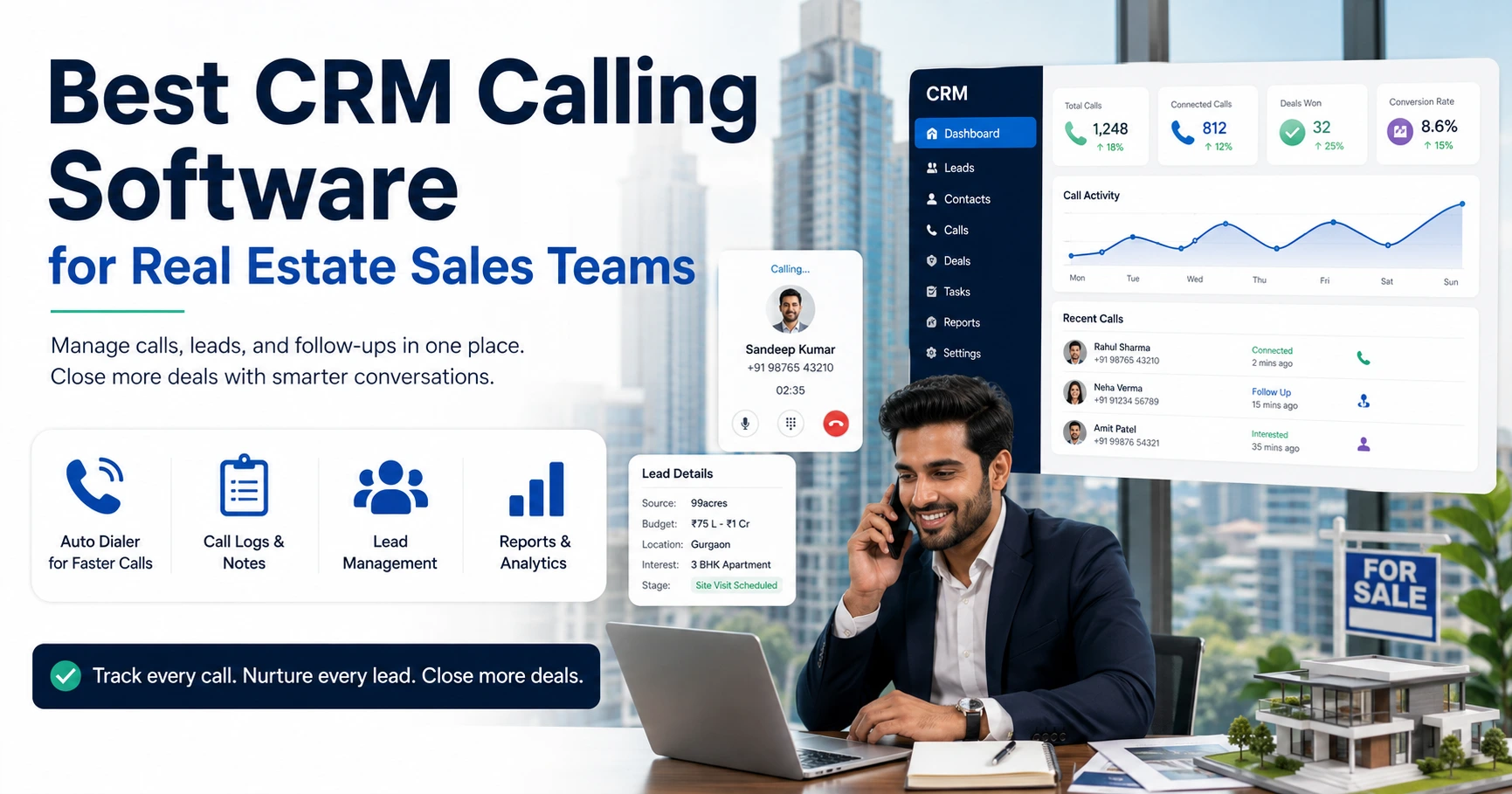
Many small businesses — real estate brokers, insurance agents, education counsellors, recruitment consultants — sell primarily over the phone. For these teams, a generic CRM that centres on emails and forms simply doesn’t fit well. Instead, what helps more is a system that centres on calling: an auto dialer that moves through a lead list, call logging that happens automatically, and follow-up scheduling that ties directly to each call outcome.
3. Follow-up reminders that are hard to ignore
A follow-up that lives only in someone’s memory will eventually slip through. That’s why reminders, overdue alerts, and a visible list of “calls due today” reduce this risk significantly.
4. Simple reporting
You don’t need a data science dashboard. Instead, you need to know: how many leads came in this week, how many the team contacted, how many converted, and which team member is falling behind. Usually, that’s enough for a small team to manage performance.
5. A working mobile app
If your team includes field agents, telecallers working from home, or a founder who takes calls between meetings, a proper Android or iOS app matters more than a polished desktop dashboard nobody has time to sit at.
6. Pricing that doesn’t punish growth
Some CRMs charge per user, which means costs rise every time you hire. Others, meanwhile, offer flat pricing for a set number of seats. For a small business adding one or two people at a time, understanding this difference upfront avoids surprises later.
CRM Features: Nice-to-Have vs Must-Have for Small Teams
| Feature | Why it matters for small business | Priority |
|---|---|---|
| Lead capture from ads/portals | Stops manual copy-paste errors | Must-have |
| Auto dialer / click-to-call | Speeds up outbound calling teams | Must-have for call-heavy teams |
| Follow-up reminders | Prevents leads going cold | Must-have |
| Mobile app | Needed for field and remote agents | Must-have |
| Sales pipeline with deal value | Shows what revenue is in progress | Important |
| WhatsApp integration | Matches how Indian customers communicate | Important |
| AI call summaries | Saves manual review time | Nice-to-have |
| Deep customisation / API access | Useful only once you outgrow defaults | Nice-to-have initially |
Real-World Example: A Small Real Estate Brokerage
Consider a hypothetical small real estate brokerage in Pune with four agents. Leads arrive from 99acres, MagicBricks, a Facebook ad campaign, and word-of-mouth referrals. Before the CRM, though, each agent kept leads scattered across their own personal phone contacts.
After moving to a shared CRM, leads from all sources land in one pipeline, the system assigns them automatically, and the owner can see every agent’s call outcomes. Follow-ups that used to depend on memory now show up as reminders instead. This is only a hypothetical scenario, but it reflects a pattern common to small teams juggling leads from several sources at once.
Common Mistakes Small Businesses Make When Choosing a CRM
- Choosing a CRM built for large enterprises. Many popular CRMs target big sales organisations with dedicated admins. As a result, a small team ends up paying for and configuring features it will never use.
- Ignoring how the team actually works. If your team sells primarily by phone, a CRM built for email sequences and forms will feel like a mismatch from day one.
- Underestimating per-user pricing. A CRM that looks cheap at 3 users can get expensive fast once you’re at 10 or 15.
- Skipping the trial period. A CRM that looks good in a sales demo can still be clunky in daily use. A short trial with real leads reveals this quickly.
- Not checking mobile usability. If agents work from their phones, a CRM that only works well on desktop will see poor adoption.
Telecalling-Focused CRMs for Small Businesses That Sell by Phone
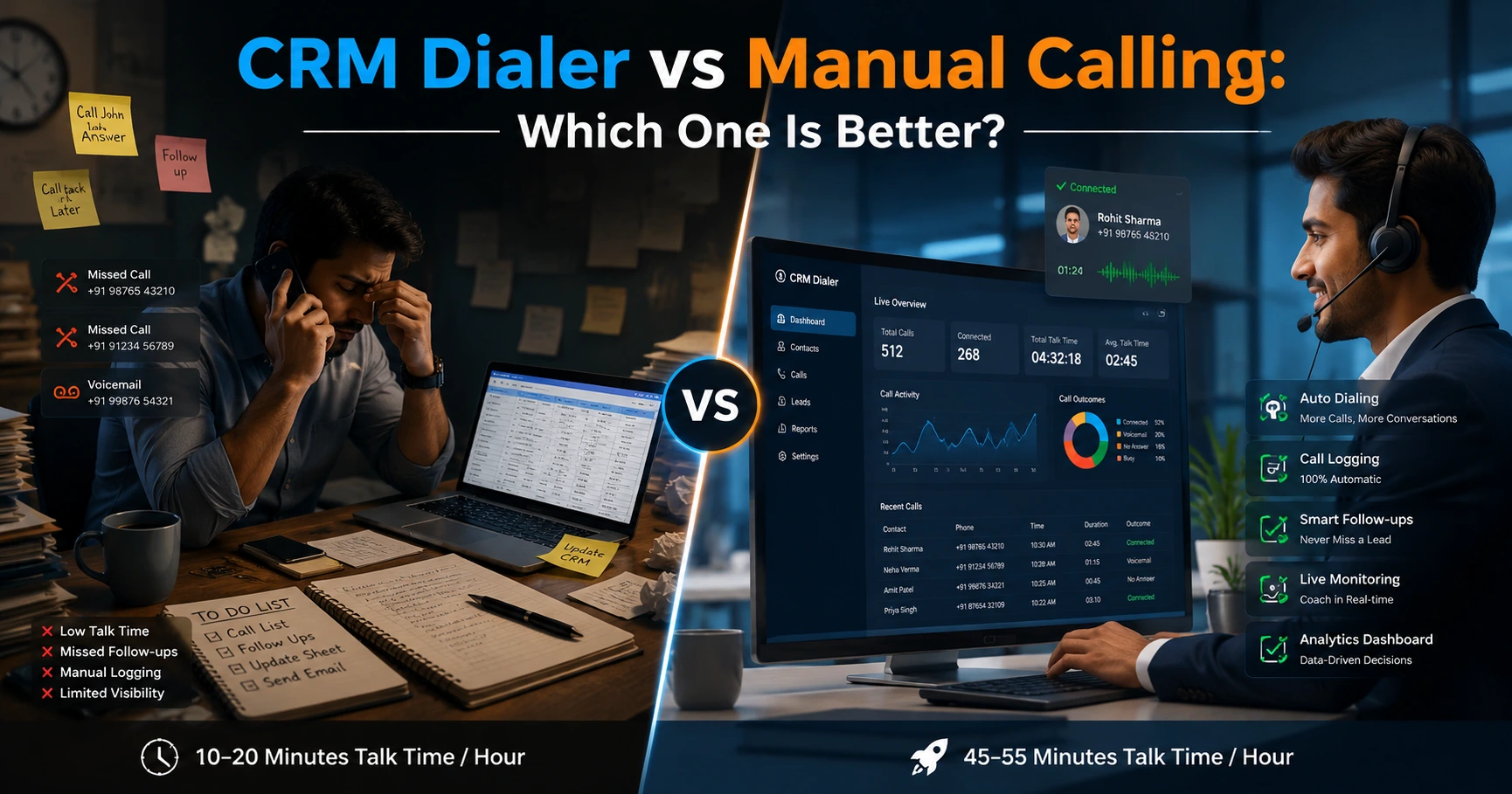
For small businesses where most sales conversations happen over the phone — real estate, insurance, education counselling, recruitment, financial services — a general-purpose CRM is often not the best fit. This is exactly where telecalling software, sometimes called telecaller CRM or sales calling software, becomes more relevant.
These systems centre on the calling workflow itself: an auto dialer that queues leads, automatic call logging, and follow-up scheduling that ties to call outcomes rather than emails. TeleCallingCRM, for instance, targets this use case specifically, offering lead management, an auto dialer, and call tracking and analytics features for Indian sales teams that run largely on outbound and inbound calls. Either way, it’s worth checking whether a calling-first approach actually matches how your team sells before you choose it.
How to Evaluate a CRM Before You Commit
- List your actual lead sources. Confirm the CRM can capture leads from each one without manual work.
- Map your team’s daily workflow. Does the CRM fit how your team already calls, follows up and closes — or does it force a new process?
- Check the mobile experience, not just the desktop version.
- Calculate total cost at your expected team size — not just the entry-level price.
- Run a short trial with real leads, not a demo account with sample data.
- Ask about support. A small business rarely has an in-house CRM administrator, so responsive support matters.
Frequently Asked Questions
What is the best CRM for a small business in India?
There isn’t a single universal answer — it really depends on how your team sells. Teams that sell primarily through phone calls tend to do better with a telecalling-focused CRM, while teams that sell mainly through email or long B2B cycles may prefer a broader, general-purpose CRM.
Is CRM software necessary for a very small team, like 2–3 people?
It becomes useful as soon as leads start coming from more than one source, or the moment your team misses even one follow-up because nobody wrote it down anywhere. Below that point, a simple shared spreadsheet may still work fine.
How much does a CRM for small business cost in India?
Pricing varies widely — from free tiers with limited features to paid plans that can run from a few hundred to a few thousand rupees per user per month. Some providers, including TeleCallingCRM, offer flat monthly pricing for a set number of users instead of charging per seat.
What’s the difference between a telecaller CRM and a regular CRM?
A telecaller CRM centres on the calling workflow — auto dialing, call logging, and follow-up scheduling that ties to call outcomes. A regular CRM, in contrast, often centres more broadly on emails, deals and contact records, treating calling as a secondary feature.
Can a small business use a CRM without technical help?
Most modern CRMs, including telecalling-focused ones, support self-service setup. Typically, that means importing a CSV of leads, adding team members, and starting to use the system within minutes — without needing a developer at all.
Do I need WhatsApp integration in my CRM?
If your customers communicate over WhatsApp, which is common across India, having WhatsApp templates or messaging inside the CRM saves time compared to switching between apps manually.
What mistakes should I avoid when switching CRMs?
Avoid switching without a clear data migration plan, avoid picking a CRM without testing it with your own leads first, and avoid ignoring how your team already works. After all, the best CRM fits your process rather than forcing you to change it entirely on day one.
Conclusion
Ultimately, choosing a CRM for small business use isn’t about picking the tool with the longest feature list. Instead, it’s about finding one that matches how your team actually sells, fits your budget at your size, and earns consistent use from the people who need it every day.
So if your team spends most of its time calling — following up on enquiries, managing a pipeline, coordinating agents — it’s worth evaluating telecalling software that centres on this kind of sales process, rather than adapting a general-purpose CRM to fit calling as an afterthought. Whichever option you choose, test it with real leads before committing, and make sure your team can actually see themselves using it every day.