

How CRM Software Helps Sales Teams Increase Conversions
Most sales teams don’t lose deals because of a weak product or the wrong price. They lose deals because someone forgot to call a lead back, missed a follow-up, or didn’t notice which prospect was ready to buy. A good CRM for sales team operations fixes this gap. It organises leads, automates follow-ups, and gives managers a clear view of what’s happening on the calling floor.
This article explains how CRM software improves conversions in practical terms. It also covers what usually goes wrong without one, and what to look for before you invest in one.
Quick Answer: How Does a CRM Improve Sales Conversions?
A CRM improves conversions by making sure agents never miss a lead or forget a follow-up. It centralises lead data, automates reminders, tracks every call, and gives managers real-time visibility into pipeline health. As a result, agents contact more leads at the right time, with the right context, before they go cold.
Why Sales Teams Struggle to Convert Leads
Before looking at solutions, it helps to understand where conversions get lost. Most sales teams that rely on spreadsheets, WhatsApp groups, or personal notebooks run into the same problems.
- Leads sit unattended. A lead arrives from a website form or ad campaign, and by the time someone calls, the prospect has already spoken to a competitor.
- Follow-ups slip through the cracks. Without a reminder system, agents forget a promising Tuesday conversation by Friday.
- Nobody knows the lead’s history. A different agent picks up the next call and repeats questions the prospect already answered. This frustrates the prospect.
- Managers can’t see what’s happening. Without real numbers, managers can’t tell which agent performs well, which lead source works, or where the pipeline stalls.
- Hot leads wait in the same queue as cold ones. Without scoring, a genuinely interested prospect waits behind someone who enquired out of curiosity.
Each of these problems cuts into conversion rate, no matter how good the sales pitch is.
How a CRM for Sales Team Operations Increases Conversions
A CRM fixes these gaps by structuring the entire sales process, from the moment a lead arrives to the moment a deal closes. Here’s how each part drives more conversions.
1. Centralised Lead Management
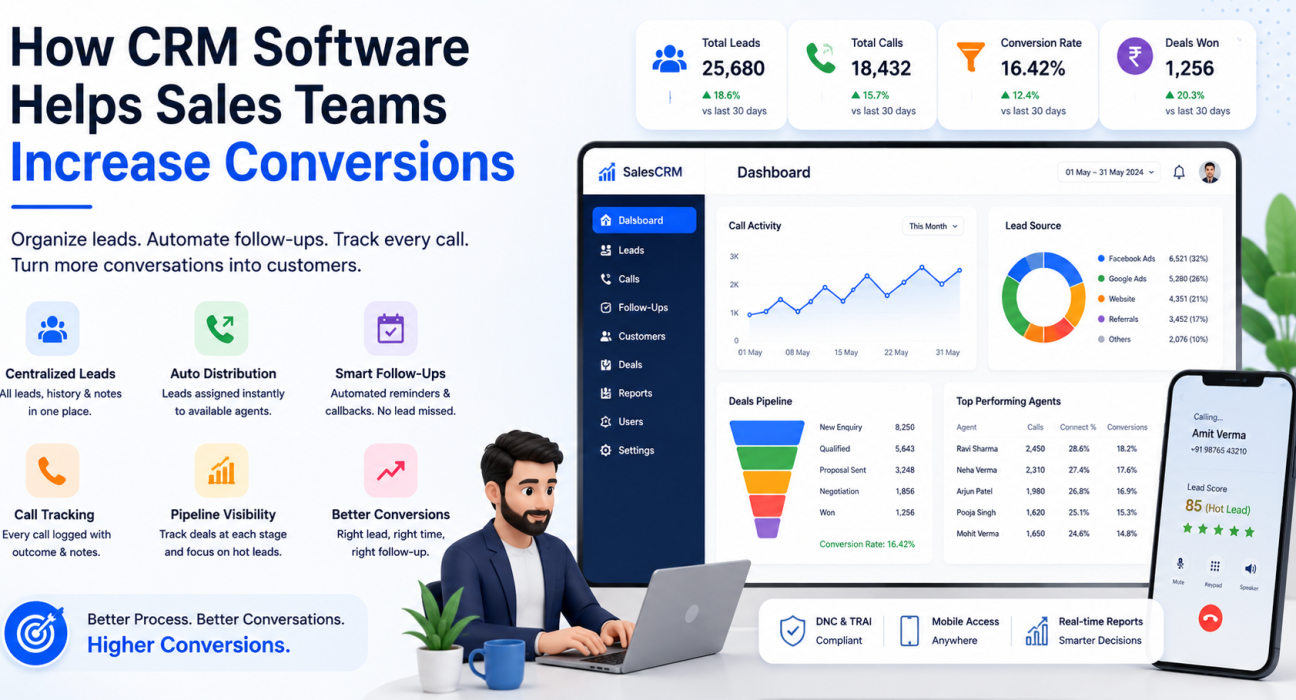
A CRM stores every lead in one place, with contact details, source, status, and full interaction history. This replaces leads scattered across Excel sheets, WhatsApp chats, and paper notes. As a result:
- Agents don’t duplicate or lose leads during manual entry.
- Any agent can pick up a lead and instantly see its full history.
- Managers can tag, score, and prioritise leads, so agents call hot prospects first.
Businesses running ads on Facebook, Google, or portals like 99acres and JustDial benefit too. Leads land directly in one pipeline. Agents no longer copy them manually from multiple inboxes — a common source of delay and lost enquiries.
2. Automated Lead Distribution
Response speed has a direct link to conversion rate. A lead contacted within minutes converts far better than one contacted hours later. CRM systems solve this by assigning incoming leads to available agents automatically, using rules such as round-robin distribution, language match, or a fixed owner. No lead sits in a queue waiting for someone to notice it manually.
3. Structured Follow-Up Management
Most deals don’t close on the first call. They close after a well-timed second, third, or fourth conversation. A lead follow-up software built into a CRM handles this by:
- Scheduling the next callback automatically after each call outcome.
- Sending reminders before a follow-up is due.
- Flagging overdue follow-ups so agents don’t lose track of them.
This is one of the biggest, most measurable ways a CRM increases conversions. It removes the natural human tendency to forget.
4. Call Tracking and History
The CRM logs every call automatically, capturing duration, outcome, and notes. Agents skip the manual work of typing call logs. Sales managers can see exactly what’s happening on the floor, and every future conversation starts with context instead of guesswork. This cuts down the “sorry, can you remind me what we discussed” moments that quietly damage trust with prospects.
5. Sales Pipeline Visibility
A CRM lets a business attach a deal value to each lead and track it through custom stages — enquiry, qualified, proposal, negotiation, won or lost. This turns a vague sense of “business is okay” into a measurable pipeline. Managers can spot exactly where deals get stuck and act before the quarter ends.
6. Performance Monitoring and Coaching
Sales managers can see connection rates, answer rates, talk time, and conversion rates by agent. This data makes coaching specific. Instead of telling an underperforming agent to “try harder,” a manager can point to exactly where the drop-off happens — low call volume, poor answer rates, or weak follow-up discipline.
Real-World Examples (Hypothetical, for Illustration)
These examples are illustrative scenarios, not case studies of actual customers.
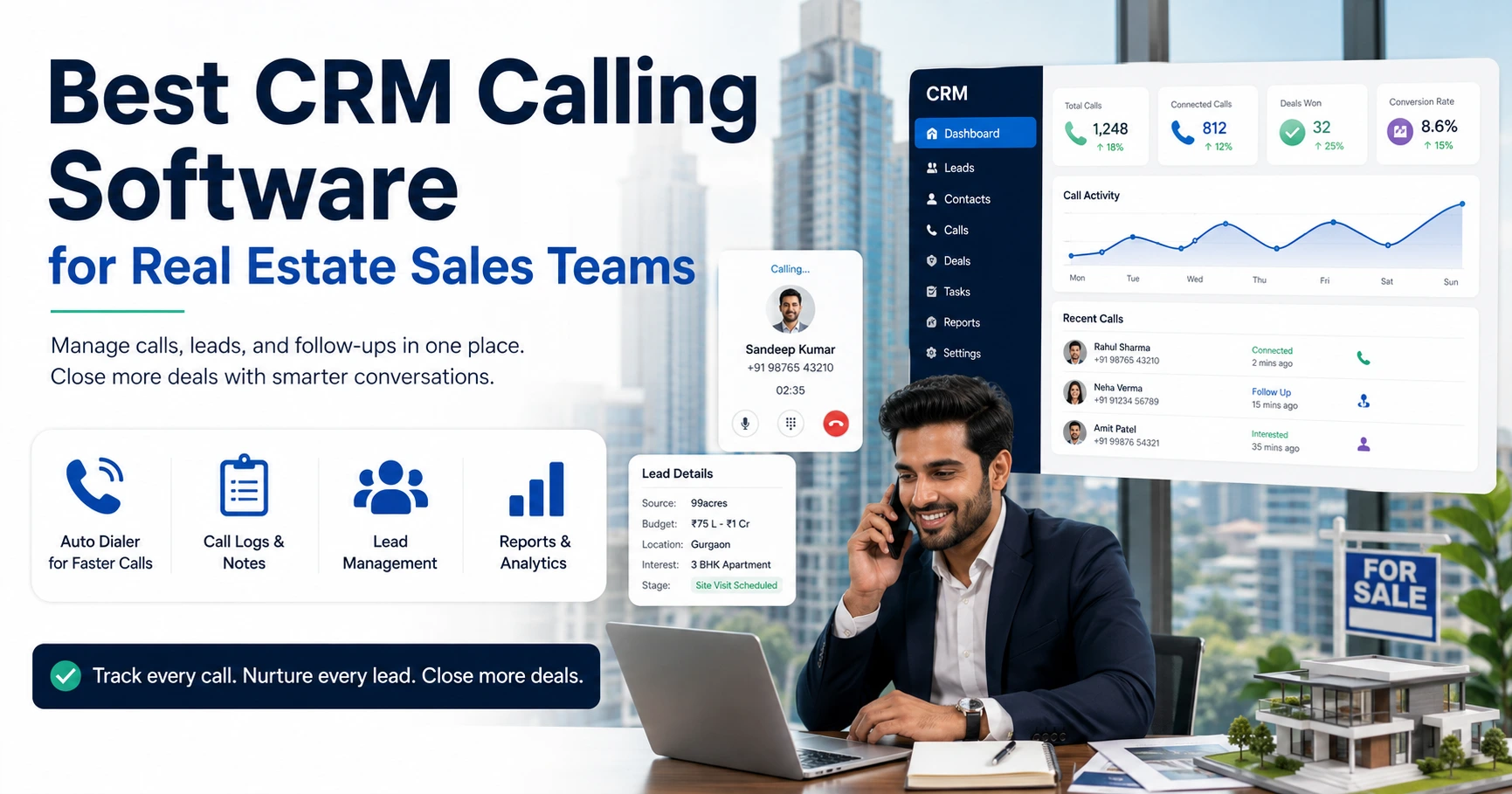
Real estate: A property consultancy receives leads from multiple portals. Without a CRM, leads from different sources sit in separate spreadsheets, and agents track site-visit follow-ups by hand. With a CRM, all leads land in one pipeline. Agents schedule site visits as follow-ups with reminders, and the sales head sees which project or source converts best.
Education: An admissions team handling enquiries during peak season struggles to track which parents they’ve called and which are still pending. A CRM with automated follow-up reminders makes sure no admission enquiry goes unattended during a high-volume period.
Insurance: A renewal team needs to reach policyholders before their policy lapses. A CRM with scheduled reminders and call history lets the team track renewal conversations systematically instead of relying on an agent’s memory.
B2B sales: A B2B sales team juggling long sales cycles benefits from pipeline stages and deal-value tracking. This makes forecasting realistic instead of based on gut feeling.
Benefits of Using a CRM for Sales Teams
| Benefit | Why It Matters |
|---|---|
| Faster lead response | Leads contacted quickly convert at a higher rate |
| No missed follow-ups | Reminders reduce lost opportunities |
| Better lead prioritisation | Hot leads get attention before cold ones |
| Clear pipeline visibility | Managers can forecast and act on stuck deals |
| Data-driven coaching | Real numbers reveal performance gaps, not guesswork |
| Reduced manual work | Agents spend more time talking to prospects, less time on admin |
Common Mistakes Businesses Make With CRM Adoption
- Treating the CRM as a data-entry tool, not a sales system. If agents update it only occasionally, the data becomes unreliable and the CRM stops being useful.
- Skipping lead-assignment rules. Leads that sit unassigned in a shared inbox defeat the purpose of having a CRM at all.
- Ignoring follow-up reminders. A CRM only helps if teams actually act on the reminders it generates.
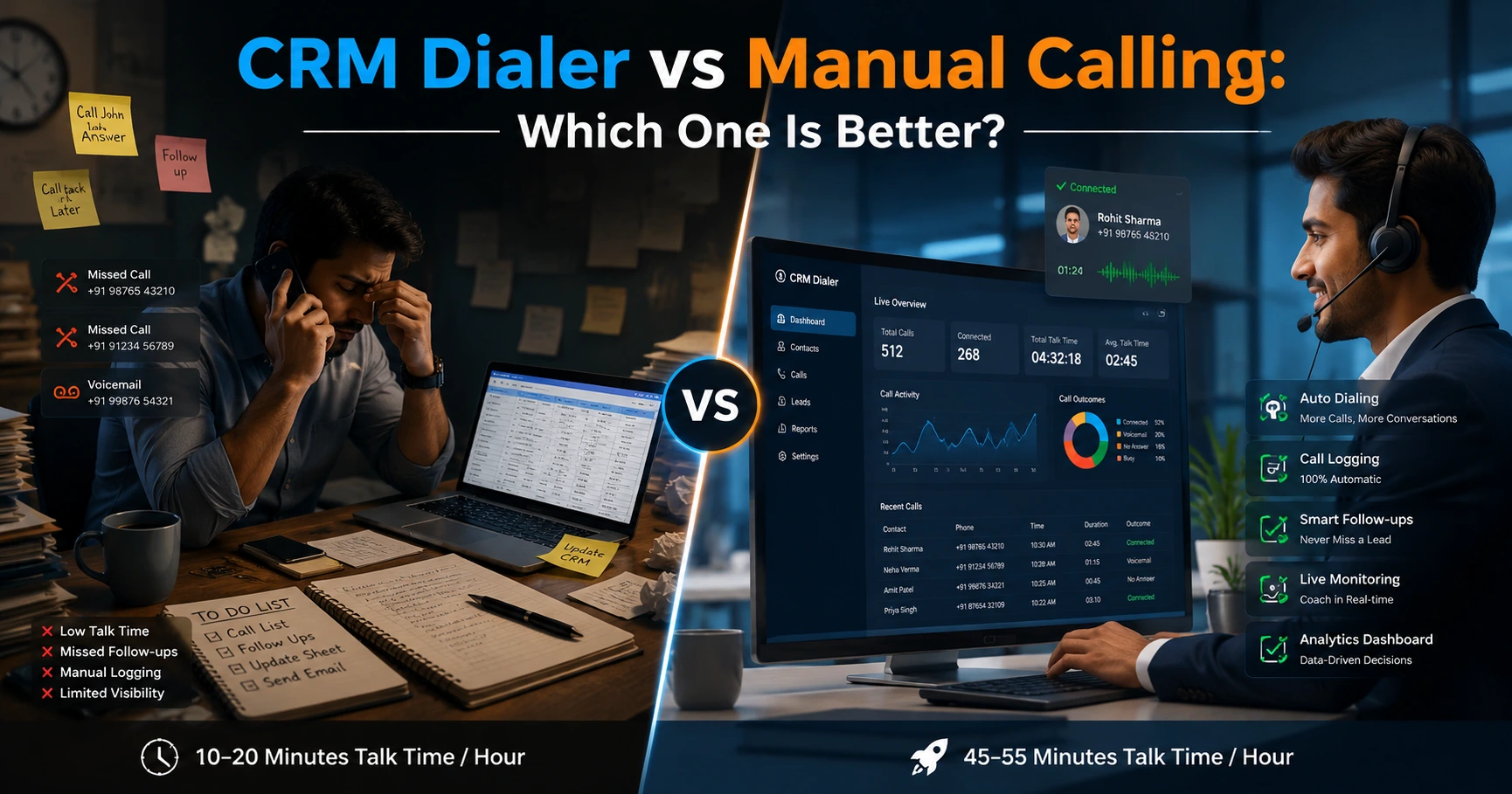
- Choosing a generic CRM for a calling-heavy business. Teams that run outbound calling all day usually need a telecaller CRM built around the dialer and call workflow, not a general contact database with calling bolted on.
- Overcomplicating the pipeline. Too many custom stages or fields can make the system harder to use than the spreadsheet it replaced.
What Businesses Should Consider Before Choosing a CRM
- Does it fit how your team actually sells — calling-heavy, field-based, or online-lead driven?
- Can it distribute and prioritise leads automatically, or does someone have to do that by hand?
- Does it support the lead sources you already use — ad platforms, portals, or web forms?
- Does it give managers real visibility into performance without a separate reporting tool?
- Does it handle compliance — DNC and data retention — especially for regulated industries like insurance and finance?
How TeleCalling CRM Supports This Process
TeleCalling CRM is built specifically for outbound-calling sales teams in India. It brings lead capture, an auto dialer, follow-up scheduling, call tracking, a sales pipeline, and real-time team analytics into a single platform. This means a business doesn’t need to stitch together a dialer, a spreadsheet, and a separate reporting tool. Every plan includes lead auto-distribution, follow-up reminders, and a live view of agent activity — features that directly support the conversion-boosting practices described above.
Switching software alone doesn’t guarantee better sales results. Conversions still depend on how disciplined a team is about using the system. But having lead management, follow-ups, and call tracking in one place removes many of the everyday reasons deals get lost.
Frequently Asked Questions
Does a CRM actually increase sales conversions, or is it just for record-keeping? A CRM increases conversions mainly by improving response time and follow-up consistency. Faster lead response and fewer missed follow-ups are two of the most reliable, measurable ways conversion rates improve after CRM adoption.
Is a CRM necessary for a small sales team? Yes. Even small teams benefit, especially once lead volume grows beyond what one person can track manually in a notebook or spreadsheet. A CRM prevents leads from getting lost as the team scales.
What is the difference between a general CRM and a telecalling CRM? A general CRM manages contacts and deals broadly. A telecalling software or telecaller CRM builds the outbound-calling workflow into its core — dialing, call logging, and follow-up scheduling sit at the centre, not as add-ons.
How does lead scoring help with conversions? Lead scoring ranks leads by how likely they are to convert, based on factors like engagement or source. This helps agents call hot leads first instead of working through leads in random order.
Can a CRM help with follow-ups specifically? Yes. Follow-up automation is one of the most direct ways a CRM improves conversions. It schedules the next call, sends reminders, and flags overdue follow-ups, so prospects don’t go cold simply because someone forgot to call back.
Do I need technical knowledge to set up a sales CRM? No. Most modern CRMs, including telecalling-focused ones, let non-technical sales teams set up themselves. Setup typically involves signing up, importing a lead list, and assigning agents.
Does a CRM help with reporting to management? Yes. Most CRMs include dashboards showing call volume, connection rates, pipeline value, and agent performance. This removes the need for manual reports built in spreadsheets.
Conclusion
Conversions rarely improve because of one big change. They improve because dozens of small failures stop happening: the lead that didn’t get called back, the follow-up that got forgotten, the hot prospect who waited too long. A well-used CRM for sales team operations fixes these failures systematically. It gives agents and managers the structure to convert more of the leads they already have, instead of chasing more leads to make up for the ones they lost along the way.