How to Manage Dealer and Retailer Visits More Efficiently
If your reps visit dozens of dealers and retailers every week, one question matters: do you actually know what happened at each visit? Most sales managers can’t answer it with confidence. Visits get skipped, reported late, or logged on a WhatsApp group that nobody can search later.
Dealer visit management software fixes this by planning, tracking and verifying every visit in one system. This guide covers why dealer and retailer visits go wrong, a practical process for managing them, and how software supports each step.
What Is Dealer Visit Management?
Dealer visit management is the process of planning, executing, verifying and reviewing the visits your sales or field team makes to dealers, distributors and retailers. It covers who visits which outlet, how often, what they do there, and what you learn from it.
Done well, it gives you full outlet coverage, proof that visits happened, and clean data on stock, orders, competitor activity and payments.
Why Dealer and Retailer Visits Break Down
Dealer visits look simple on paper. In practice, the same problems appear in most sales teams.
- No visibility after the team leaves. Managers can’t see who is where, or whether a planned visit happened.
- Uneven coverage. Reps return to friendly, high-volume outlets and quietly skip difficult or distant ones.
- Wasted travel. Without a planned route, reps backtrack across the same areas.
- Unverified reports. A visit entry in a spreadsheet or chat message is easy to inflate and hard to check.
- Inconsistent data. Each rep reports differently, so you can’t compare outlets, territories or reps.
- Slow follow-up. Issues raised by dealers, such as stock-outs, pending payments or scheme queries, sit in a notebook or an unread message.
These are process problems before they are technology problems. Fixing the process first makes any tool more useful.
7 Steps to Manage Dealer and Retailer Visits More Efficiently
1. Segment Your Dealers and Retailers
Not every outlet deserves the same attention. Group them by sales potential, current performance, outlet type and location. A simple A, B, C classification works well.
This gives you a defensible basis for deciding visit frequency instead of leaving it to each rep’s preference.
2. Set a Visit Frequency for Each Segment
Decide how often each segment should be visited, for example weekly for top accounts and fortnightly or monthly for smaller ones. Write it down and share it with the team.
Review these rules every quarter. Outlets move between segments as they grow or decline.
3. Build Beat Plans and Optimized Routes
A beat plan is a fixed schedule of outlets a rep covers on specific days. Good beat plans group nearby outlets so reps spend more time with customers and less time on the road.
Route planning matters here. Visiting outlets in a logical order reduces backtracking, and it also makes the day predictable for reps and managers.
4. Standardize What Happens During a Visit
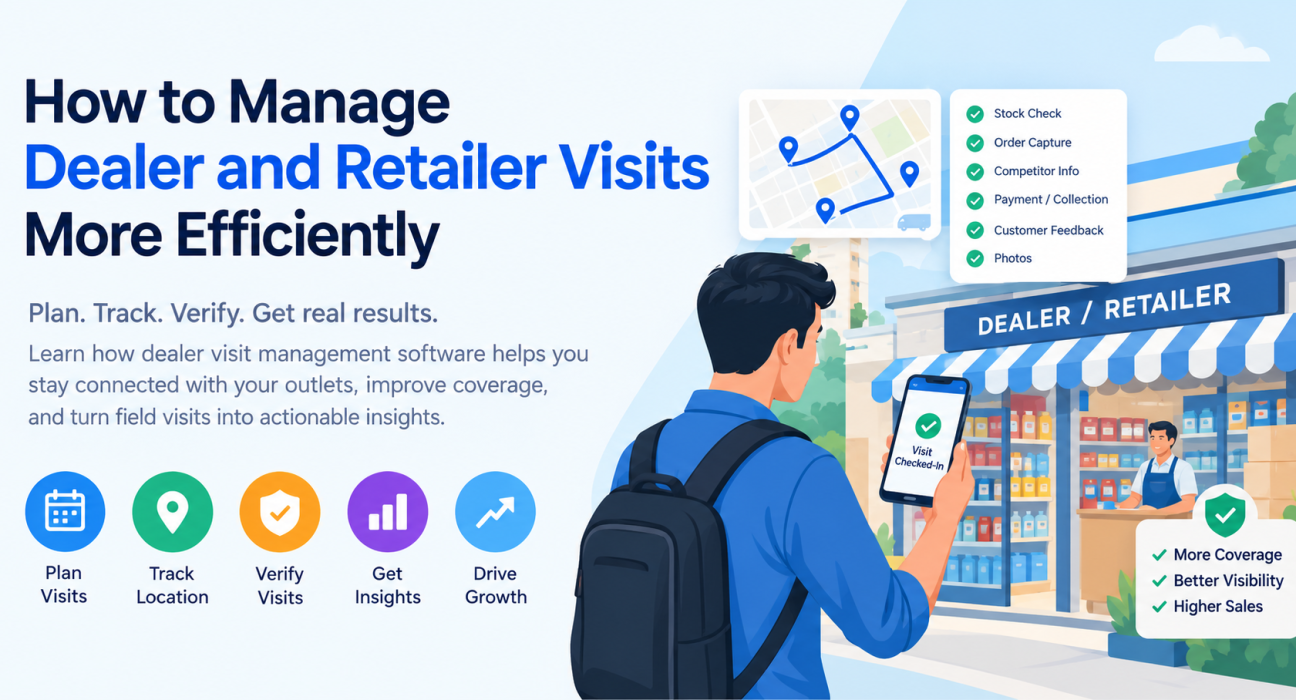
A visit should produce usable information, not just a check mark. Create a short, consistent visit checklist. Depending on your business, it might cover:
- Stock availability and shelf or display condition
- Orders or demand captured
- Competitor activity and pricing observations
- Payments or collections due
- Dealer feedback, complaints and requests
- Photos of displays or branding
Keep it short. Long forms get filled in carelessly, or not at all.
5. Verify Every Visit
Verification is what separates a managed visit from a reported one. Proof of visit means evidence that the rep was physically at the outlet and did the work. That usually includes a location-stamped check-in plus a photo, signature or OTP from the dealer or retailer.
Verification also protects honest reps. When data is reliable, good performance is easy to see and recognize.
6. Capture Data at the Point of Visit
Reps should record information during the visit, not at night from memory. Same-day data means managers see issues while they can still act on them.
This is especially important in areas with weak connectivity. The reporting tool needs to work offline and sync later, or reps will fall back to paper.
7. Review, Coach and Follow Up
Track a small set of measures each week:
- Planned visits vs completed visits
- Outlet coverage against your frequency rules
- Visits per rep per day
- Orders or demand captured per visit
- Open dealer issues and how long they take to close
Use the numbers to coach, not just to police. If one rep’s coverage is low in a territory, check whether the beat plan is realistic before blaming the person.
Manual Tracking vs Dealer Visit Management Software
| Area | Spreadsheets and messaging apps | Dealer visit management software |
|---|---|---|
| Visit planning | Built manually, often outdated | Beat plans and routes assigned to each rep |
| Visibility | Depends on the rep reporting | Live view of team location and visit status |
| Proof of visit | Self-reported | Location-stamped check-ins with photo, signature or OTP |
| Data quality | Varies by rep and format | Standard forms and checklists |
| Reporting | Compiled by hand, usually late | Dashboards and reports from live data |
| Follow-up | Easy to lose | Tasks assigned and tracked |
The gap widens as your network grows. Ten dealers can be managed on a spreadsheet. Several hundred outlets across multiple territories cannot.
What to Look for in Dealer Visit Management Software
Features vary between tools. These are the capabilities that matter most for visit-heavy sales teams.
Must-haves
- Beat planning and route optimization
- GPS-based check-in with geofencing
- Proof of visit (photo, signature, OTP)
- Custom forms for visit checklists
- Offline-first mobile app
- Real-time reports and KPIs
Valuable extras
- Task assignment and follow-up tracking
- Collection and expense tracking
- SLA monitoring for service or support visits
- Integrations with your CRM, ERP or accounting tools
Also check that setup is quick and the app is simple enough for reps with limited time at each stop. A tool reps avoid using is worse than no tool.
How Dealer Visit Management Software Helps at Each Stage
| Stage | What the software does |
|---|---|
| Planning | Assigns visits and beat plans to reps, with route ordering to cut travel |
| Check-in | Records location-stamped arrival; geofencing helps confirm the rep is at the outlet |
| During the visit | Guides the rep through a checklist and captures photos, signatures or OTP |
| After the visit | Syncs data to a central dashboard, even if the visit happened offline |
| Review | Shows coverage, completed visits and team activity in real time |
How FieldExecutives Supports Dealer and Retailer Visits
Businesses looking to simplify these processes can use field force management software such as FieldExecutives. It is built for teams that send people out to visit customers, and it is relevant to dealer-facing sales work in industries such as FMCG, consumer durables, retail and agri-inputs.
Based on the platform’s published features, here is how it maps to the process above:
- Assigning and planning: Managers create visits and tasks with checklists and priorities. AI-based route and beat-plan optimization orders stops to reduce travel. FieldExecutives states that this can cut travel time by 20–30%, and notes that such figures are illustrative rather than guaranteed.
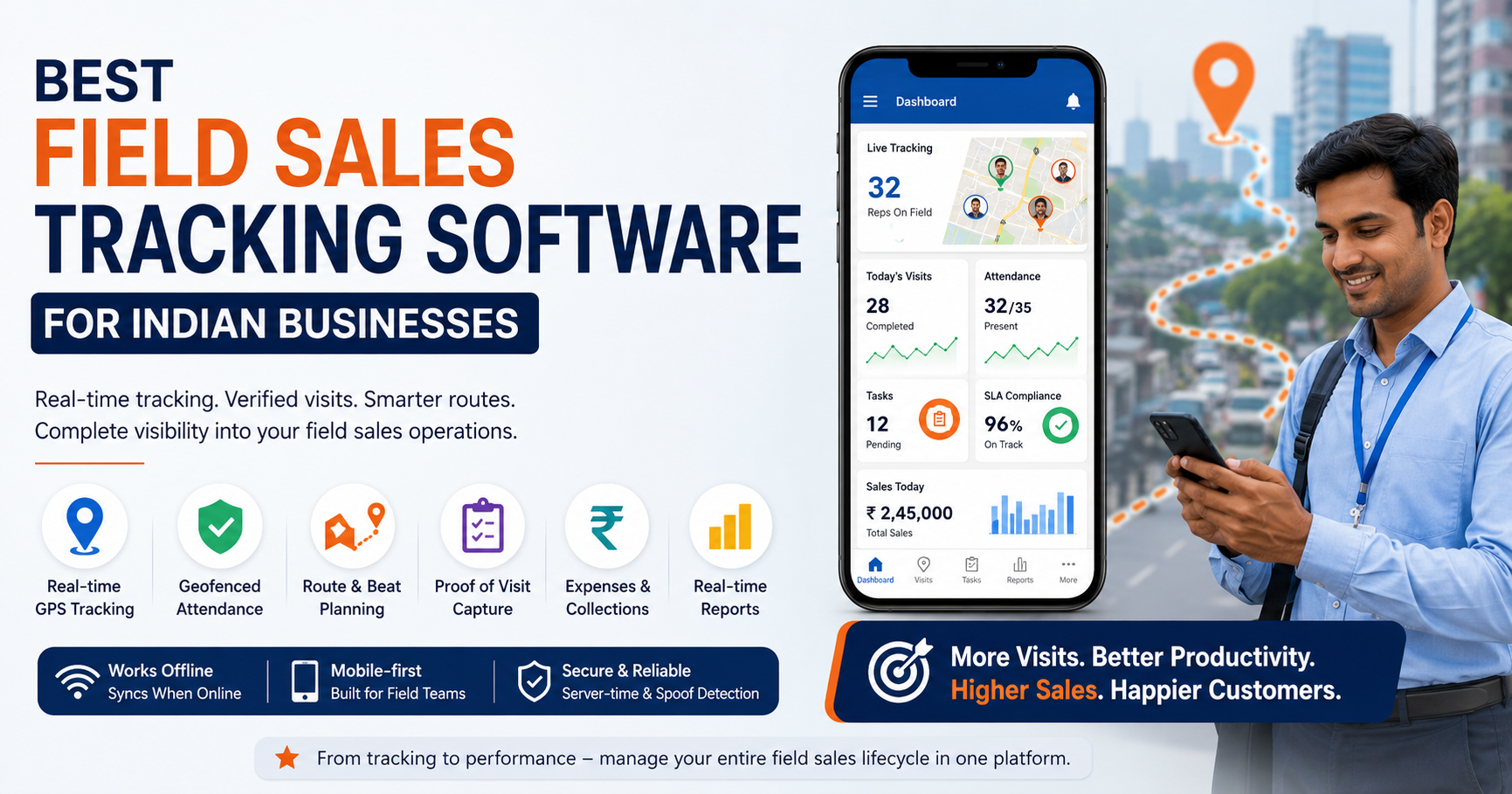
- Verified check-ins: Punch-ins are stamped with server time and checked against geofences, with mock-location detection.
- Proof of work: Reps capture photos, signatures, OTP and checklist responses before closing a visit.
- Custom forms: You can build your own visit forms and workflows without writing code, so the checklist matches your outlet audit or dealer meeting format.
- Offline-first app: Reps can complete visits without a network connection, and data syncs when they reconnect.
- Live visibility: A real-time map shows the team’s location, status and GPS trail, while the web console offers KPIs, leaderboards and reports.
- Collections and expenses: Payments collected from dealers and rep expense claims can be tracked in the same system.
You can see how this applies to your sector on the consumer durables, FMCG and distribution or retail and merchandising pages.
Common Mistakes to Avoid
- Treating software as the whole fix. Without visit frequency rules and clear checklists, a tool just records a messy process.
- Overloading the visit form. Collect only data you will actually use.
- Using tracking only to catch people out. Share the reports with reps and use them for coaching.
- Ignoring rep feedback. Reps know which beats are unrealistic. Involve them in beat design.
- Skipping the review cycle. Data that nobody reviews changes nothing.
Conclusion
Managing dealer and retailer visits comes down to a repeatable loop: segment outlets, set frequency, plan routes, standardize visits, verify them, capture data on the spot and review results. Each step is easier when the information lives in one system rather than across spreadsheets and chat threads.