

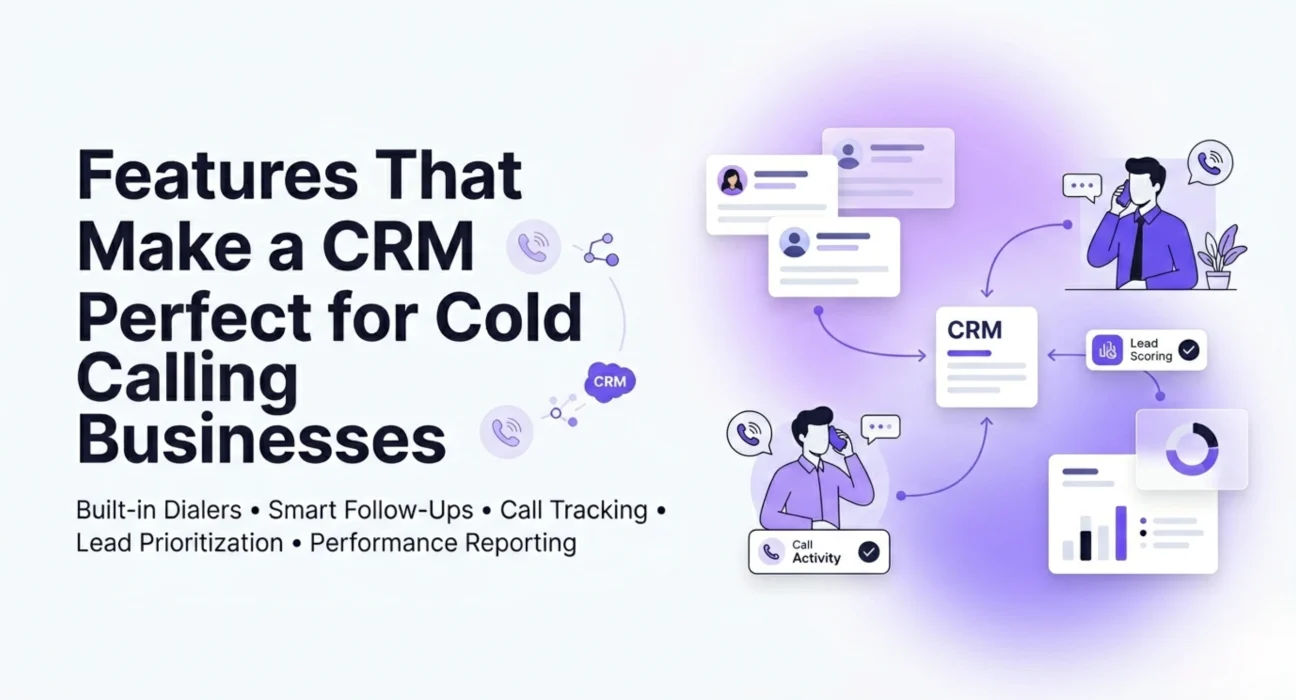
CRM Features for Cold Calling Businesses are essential for teams that rely on outbound sales to connect with prospects efficiently. Cold calling is still one of the most direct ways to reach a potential customer. But doing it without the right tools? That is where things go wrong fast. Reps waste time dialing wrong numbers, forget to follow up, or have no idea what to say because they know nothing about the person they are calling.
A good CRM changes all of that. It keeps your team organized, your data clean, and your calls purposeful. But not every CRM is built with cold calling in mind. Some are designed more for deal tracking or customer support, and they just do not have what a cold calling team actually needs on a daily basis.
So what should you look for? Here are the features that genuinely make a difference when your core job is picking up the phone and starting conversations.
A Built-In Dialer or Tight Dialer Integration
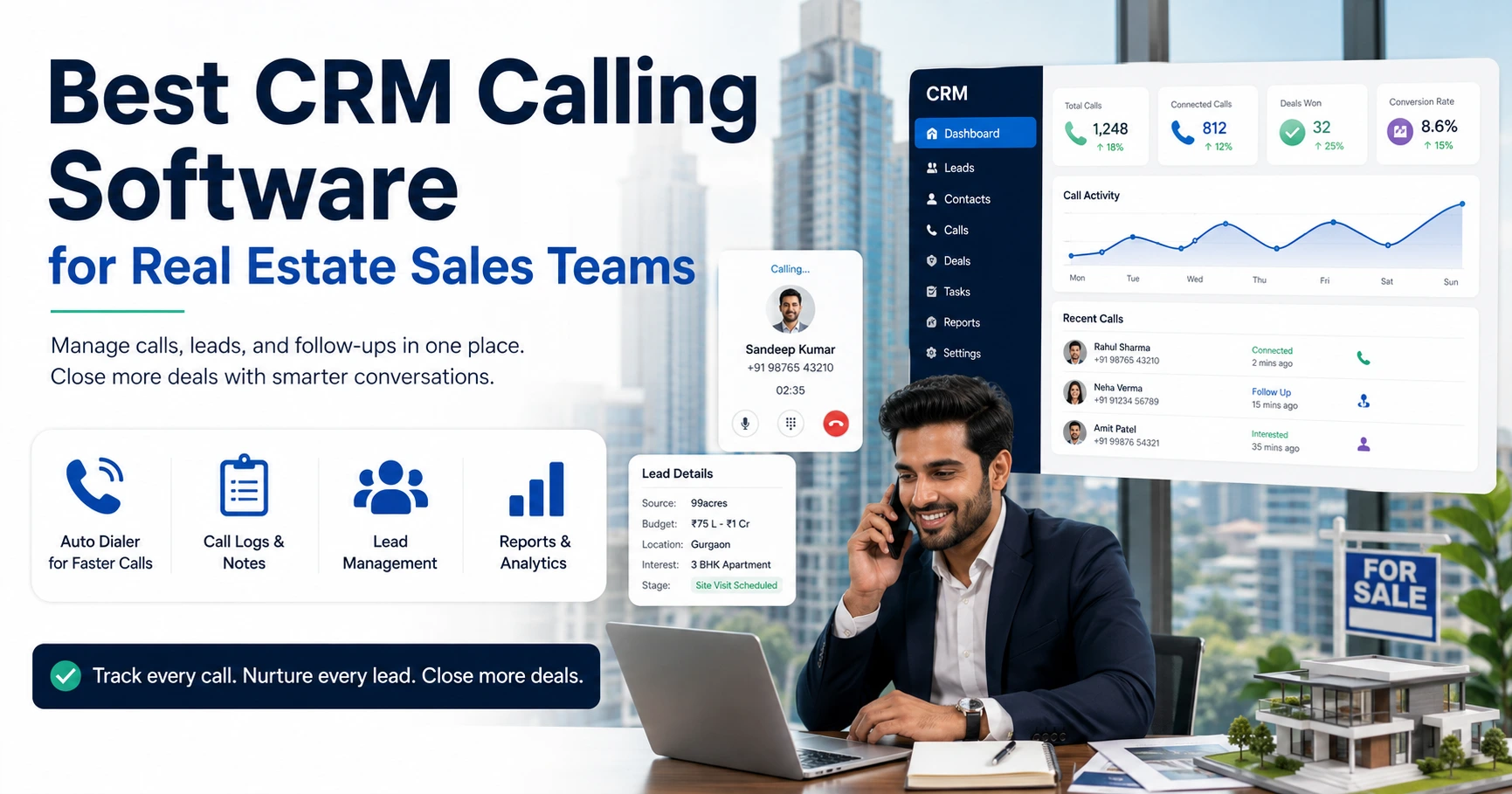
This is the first thing to check. If your reps have to copy a number from the CRM, open a separate app, and manually dial, you are already slowing them down. A good cold calling CRM features list always starts with dialing built right into the system or a seamless integration with a power dialer or auto dialer.
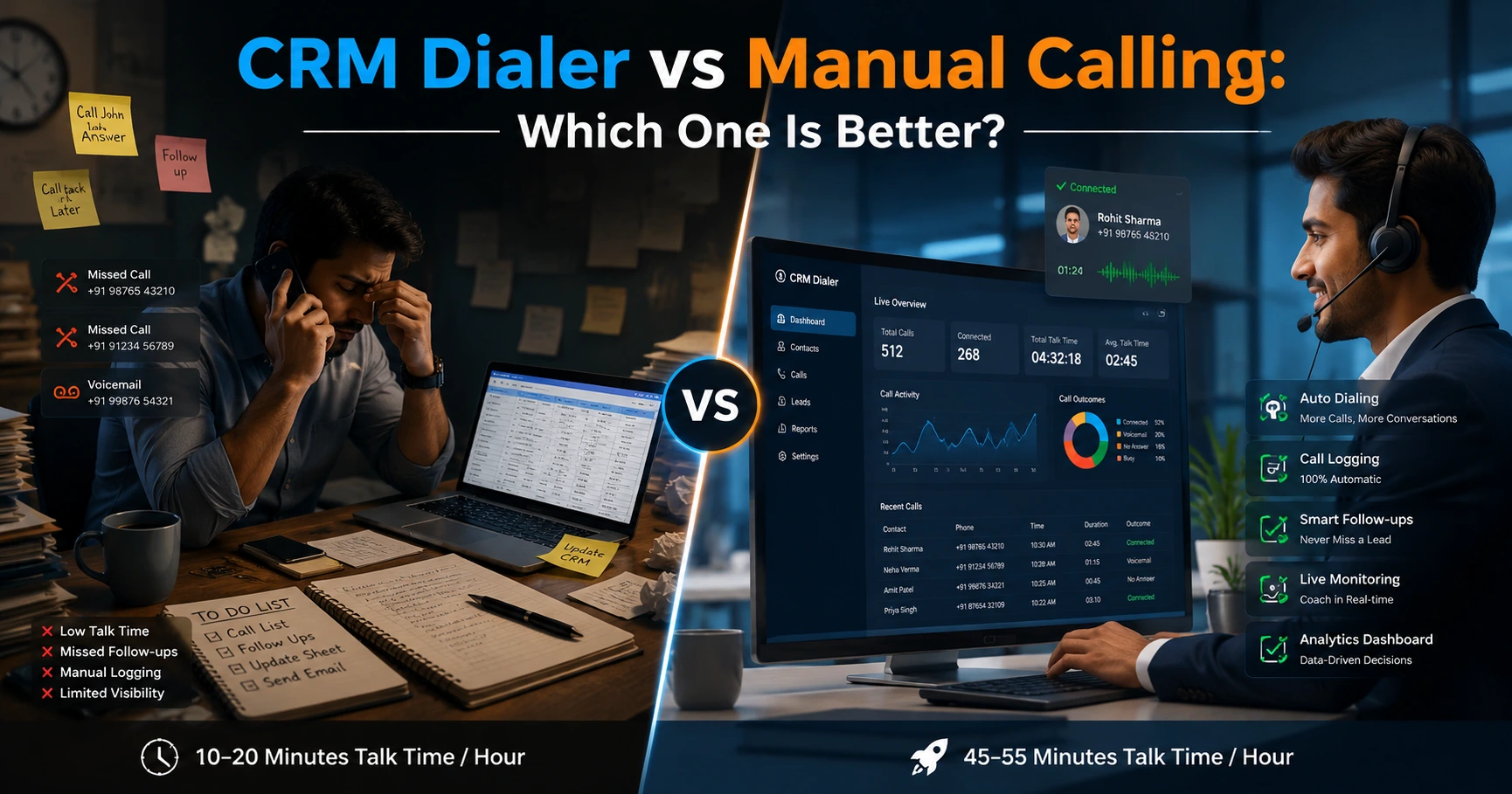
When the dialer is connected to the CRM, calls get logged automatically, call duration is recorded, and you can move to the next contact without switching tabs. For high volume calling teams, this alone can save hours every week.
Look for CRMs that support click to call, where a rep just clicks the phone number on the screen and the call starts. Some also offer local presence dialing, which shows the prospect a number with their own area code. This small thing can noticeably improve answer rates.
A Clear and Manageable Call Queue
Cold calling works best when reps have a focused list in front of them and not a messy database they have to sort through themselves. The CRM should let you build and assign call queues, filter contacts by priority, region, industry, or lead stage, and move through that queue one by one without friction.
If a rep has to search for who to call next, that is time lost. A proper call queue keeps them in flow, moving from one conversation to the next with minimum gap time.
Some CRMs let managers build these queues and push them to specific team members. That kind of control is useful when you want to make sure your best leads are being worked by your most experienced callers.
Easy and Instant Call Logging
After every call, the details need to be captured. Who was called, when, how long the conversation lasted, what was discussed, what the outcome was. If logging a call takes more than a minute, reps will start skipping it, especially after 60 or 80 calls in a day.
The CRM should make logging nearly automatic. Ideally, it should save the call the moment it ends and prompt the rep with a short form to add a call outcome and a note. Some CRMs go further and offer automatic call recording with transcription, so reps do not even have to type notes manually.
The faster and easier the logging process, the more accurate your data will be. And accurate data is what lets managers coach better and spot patterns in what is working and what is not.
Call Outcome Tracking and Disposition Codes
Not every call ends the same way. Some prospects say call back next week. Others ask for an email. Some say not interested. Some do not pick up at all.
Your CRM should let reps mark each call with a specific outcome, sometimes called a disposition code. These might include labels like No Answer, Left Voicemail, Callback Requested, Not Interested, or Meeting Booked.
When you track dispositions consistently, you can start seeing your actual numbers. What percentage of calls reach a decision maker? How many attempts does it take before someone agrees to a meeting? This data helps you set realistic targets, plan follow-up workflows, and understand where your list quality might be an issue.
Automatic Follow-Up Reminders and Tasks
A cold calling team’s work does not end when a call does. Half the value is in the follow-up. If someone says call me Thursday, that callback has to happen. If they ask for an email, someone has to send it.
A CRM with good task and reminder functionality ensures nothing falls through the cracks. The moment a rep marks a call as Callback Requested, the system should either auto create a follow-up task or prompt them to schedule one.
Reps should be able to see their pending follow-ups the moment they open the CRM each morning. Managers should be able to see which follow-ups are overdue across the team. This kind of visibility keeps accountability high without anyone having to chase people individually.
Lead Prioritization and Scoring
Not all leads deserve equal time. A prospect who visited your pricing page three times, opened every email you sent, and fits your ideal customer profile should be at the top of the call list. Someone who downloaded a generic guide six months ago and has not engaged since should not be.
A CRM with lead scoring or prioritization features lets you rank your contacts based on activity, fit, and engagement signals. Cold calling teams that work from prioritized lists convert at a higher rate simply because they are spending time on better opportunities.
Even if you are working a fully cold outbound list, you can build your own scoring criteria around company size, industry, location, or job title. The point is to give reps a list where the best calls are at the top, not randomly scattered.
Contact History and Context Before Each Call
When a rep dials a number, they should not be going in blind. The CRM should show them everything relevant before the call starts: previous interactions, notes from past calls, any emails sent or received, and the lead’s current stage in the pipeline.
This context helps reps personalize the conversation even on a first call. If a colleague already spoke to this person and noted that they were interested but the timing was off, the next rep needs to know that before saying hello.
Good CRMs surface this contact timeline clearly so reps can scan it in under 30 seconds before dialing. That small preparation can be the difference between a generic pitch and a conversation that actually resonates.
A Comparison: What to Expect from a Calling Ready CRM vs a Basic CRM
| Feature | Basic CRM | Cold Calling CRM |
|---|---|---|
| Call logging | Manual | Automatic or one-click |
| Dialer support | None or third-party only | Built-in or native integration |
| Call queue management | Not available | Yes, with filtering and assignment |
| Disposition tracking | Not available | Yes, with custom codes |
| Follow-up reminders | Basic task creation | Automatic prompts post-call |
| Lead scoring | Limited | Advanced, with activity signals |
| Call recording and notes | Not available | Available with transcription |
| Reporting on call activity | Minimal | Detailed, by rep and by team |
Reporting That Shows Real Calling Activity
A CRM that does not give you proper reporting is just an expensive contact list. Cold calling teams need reports that show call volume by rep, connection rate, average call duration, conversion rate from call to meeting, and callback completion rate.
These numbers tell you whether your team is working hard enough, but also whether they are working smart. A rep making 120 calls a day with a 2% meeting rate might actually be underperforming compared to one making 70 calls with a 9% rate. Without good reporting, you would never know.
Managers should be able to pull these numbers daily without needing to export data or build spreadsheets. The best CRMs put these dashboards front and center.
Mobile Access That Actually Works
Field sales teams and reps who work remotely need to be able to use the CRM from their phone without it being a frustrating experience. Mobile access should include calling capability, the ability to log notes after a call, and access to the call queue.
A CRM that only works well on a desktop is a problem for any team that is not always at a desk. Mobile apps should not be an afterthought.
Integration With Email and Messaging
Cold calling and cold emailing often go hand in hand. A prospect who does not pick up might respond to an email. Someone who takes a call might ask you to send over more information.
Your CRM should connect with your email so that all outbound emails are logged alongside calls in the same contact timeline. Some CRMs also integrate with WhatsApp or SMS, which is increasingly relevant for teams operating in India where messaging apps are a major part of how business communication happens.
Things to Keep in Mind Before You Choose
Before picking a CRM for your cold calling team, ask these questions honestly.
How many calls does your team make per day? If it is above 50 per rep, you need a proper dialer integration. A basic CRM with manual logging will slow everything down.
How important is real time reporting to you? If managers are actively coaching teams and need daily visibility into activity metrics, the CRM’s reporting module matters a lot.
Do you need a local Indian phone number or local presence dialing for your outreach? Not all CRMs support Indian telephony providers directly, so check this before committing.
Is your team likely to use the mobile app? If yes, test the mobile experience before purchasing. Some CRMs have great desktop versions and weak mobile apps.
Conclusion
The right CRM for your cold calling team is not the one with the most features, it is the one your reps will actually use every single day. Focus on getting the dialing experience right, make call logging fast and painless, and make sure the reporting shows you what is actually happening on the ground. If you are still figuring out where to start, going through a proper checklist of cold calling CRM features will help you compare tools against what your team genuinely needs rather than what looks good on a product page. Everything else builds from there.